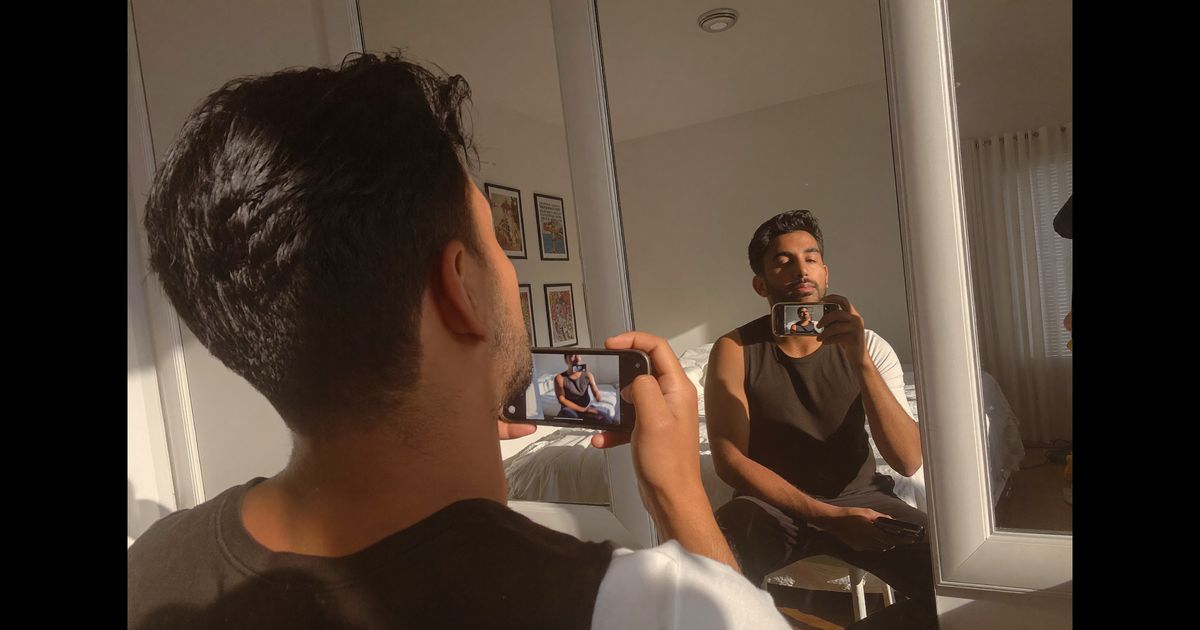
Most creators think LinkedIn Live is only for polished keynotes and corporate town halls. That assumption is leaving real engagement, and real brand deals, on the table. LinkedIn Live is available to Pages and individual creators who meet LinkedIn's access criteria, and when you treat it as a UGC format rather than a broadcast, it performs differently than almost anything else on the platform.
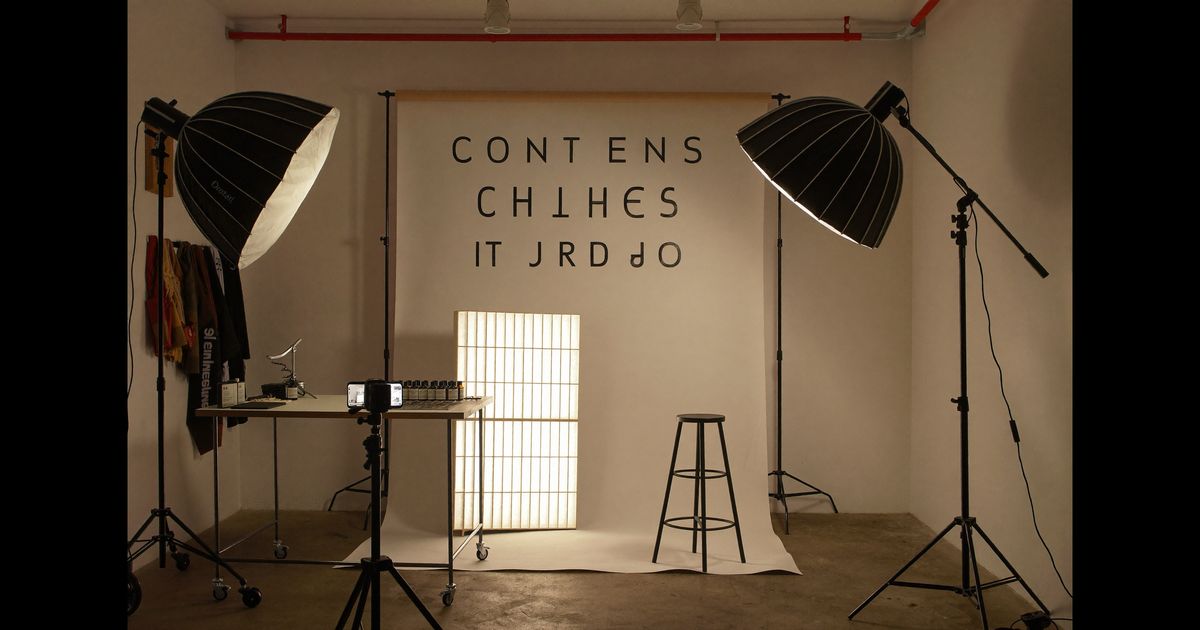
If you have never done a live stream on LinkedIn before, this guide walks you through everything from eligibility and setup to the content formats that actually work for Indian B2B and D2C brands. No production studio needed, just a phone, a decent ring light, and a clear plan.
First, Understand What LinkedIn Live Actually Is
LinkedIn Live lets verified Pages and individual creators broadcast in real time to their followers. Unlike Instagram Live or YouTube Live, LinkedIn's audience skews toward working professionals, founders, marketers, procurement teams, HR managers. That changes everything about tone and format.
To go live on LinkedIn, you need to apply for LinkedIn Live access through your Page settings or creator profile. LinkedIn manually reviews applications and looks for consistent posting history, a sizeable following, and low policy violations. Approval can take a few days. Once approved, you stream using a third-party tool like StreamYard, Restream, or OBS Studio, LinkedIn does not have its own native broadcast tool.
For individual creators in India, the easiest entry point is StreamYard's free plan, which allows basic single-source streaming. StreamYard has a browser-based interface, works from any internet connection, and does not require installation, which matters if you are creating UGC content from a co-working space in Pune or a home studio in Jaipur.
What "UGC" Looks Like on a LinkedIn Live
UGC on LinkedIn Live does not mean shaky handheld footage and unboxing reactions. The platform's audience expects credibility. But "credibility" does not mean expensive, it means authentic expertise delivered simply. The formats that work best:
- Product walkthrough with real use context: A creator in the SaaS or HR-tech space doing a live 20-minute walkthrough of a tool they genuinely use, sharing screen and taking audience questions. The brand gets authentic endorsement framed as peer advice, not advertising.
- Behind-the-process reveal: A founder or D2C brand creator going live to show how a product is made, tea sourcing in Assam, fabric selection in Surat, packaging at a Noida warehouse. This is UGC in its truest form: real people, real places, real process.
- Live case study or results breakdown: A creator sharing actual numbers from using a brand's service. "We ran this accounting software for three months; here is what changed." This format works especially well for B2B SaaS, fintech, and edtech brands targeting SMB owners.
- Interview-style collaboration: Two creators, or a creator and a brand representative, discussing a topic relevant to the brand's audience. The brand is woven into the conversation naturally rather than announced as a sponsor.
The common thread: every format above delivers standalone value to the viewer. That is what makes it UGC rather than a live ad.
Setting Up Without a Studio: Practical Gear and Tech for Indian Creators
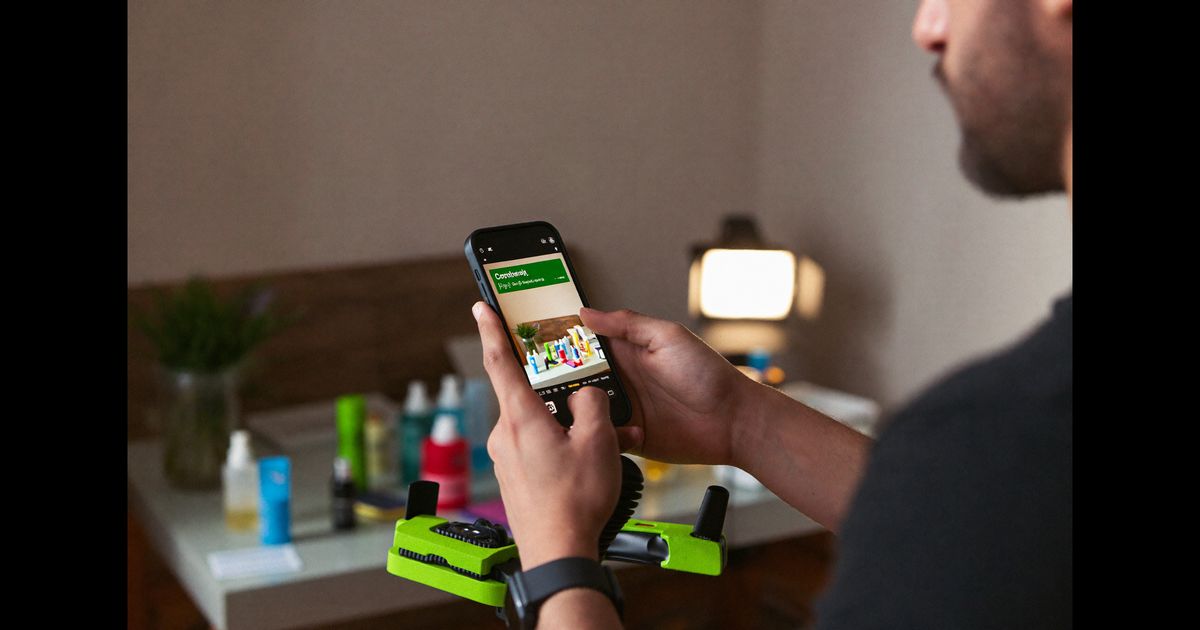
A professional-looking LinkedIn Live from a home or co-working setup does not require more than:
- Camera: A MacBook or Windows laptop webcam at 1080p is sufficient for most streams. If you are on a phone, a Logitech C920 (available for around Rs. 6,000–8,000 on Amazon India) is a significant upgrade. Alternatively, an iPhone 12 or above connected via DroidCam or used with a tripod works well.
- Lighting: A ring light (Rs. 800–2,000 from Amazon/Flipkart) placed at face level, behind your screen, eliminates the "dark video call" look. Natural light from a north-facing window during morning hours also works for free.
- Audio: This is more important than video quality. A Boya BY-M1 lapel mic (Rs. 900–1,200) clips to your collar and dramatically improves clarity. Poor audio will cause viewers to drop off within 60 seconds regardless of your content.
- Background: Neutral walls, a bookshelf, or a branded standee works better than a busy room. A plain pastel wall in a Bengaluru apartment looks cleaner than an elaborate set. If you use StreamYard, you can add a simple branded lower-third or logo overlay without needing graphic design skills.
- Internet: A minimum of 5 Mbps upload speed is required for smooth 720p streaming. Run a speed test on fast.com before going live. If your Wi-Fi is unstable, a Jio or Airtel hotspot as a backup has saved many creators mid-broadcast.
Structuring Your Live for Maximum Watch Time
LinkedIn Live streams are recorded automatically and published as native video on your profile or Page after the broadcast ends. This means the structure you choose during the live affects both real-time engagement and the replay value, which is where most of the views actually come from, sometimes 5–10x the live viewer count.
A structure that consistently works for 30-minute UGC-style LinkedIn Lives:
- Minutes 0–3 (Hook and framing): Open with the specific problem or outcome you are addressing. "Today I am going to show you how we reduced client onboarding time by 40% using one workflow change." Do not spend three minutes introducing yourself, LinkedIn audiences are busy professionals; they will leave if there is no promise of value in the first two minutes.
- Minutes 3–20 (Core content): Deliver the actual walkthrough, reveal, or case study. Keep language straightforward. For Indian audiences spanning Hindi, Tamil, Telugu, and English, use clear spoken Hindi or English with occasional local context ("if you are running an SME in Tier-cities across India, this is especially relevant for you").
- Minutes 20–27 (Live Q&A): Invite questions in the comments. Read them aloud and answer them on camera. This is the section that generates the most engagement spikes and is frequently clipped by viewers who share snippets.
- Minutes 27–30 (Soft close): Summarise the one takeaway, thank viewers, and, if there is a brand partnership, mention it clearly and briefly here. ASCI guidelines require that sponsored content on any platform, including LinkedIn, be disclosed. A simple "This session was in collaboration with [Brand Name]" said aloud (and ideally shown as an on-screen overlay via StreamYard) is sufficient for compliance.
ASCI Compliance and Disclosure for Branded LinkedIn Lives
The Advertising Standards Council of India's 2021 influencer guidelines apply to sponsored LinkedIn Live sessions the same way they apply to Instagram Reels or YouTube videos. If a brand is paying you, in cash, product, or any other consideration, you must disclose the relationship clearly at the start of the broadcast and in the post caption when you publish the replay.
For LinkedIn specifically, the practical approach is:
- Add a text overlay via StreamYard that reads "Paid Partnership with [Brand]" and keep it visible for at least the first 60 seconds of the stream.
- In the post caption that auto-publishes after the live ends, add the hashtag #Ad or #PaidPartnership prominently, not buried at the bottom behind seven other hashtags.
- If the brand's product pricing or claims are mentioned, they must be accurate and verifiable. LinkedIn's professional audience is more likely than a general social media audience to fact-check claims, so hyperbole that might slide on Instagram will damage credibility on LinkedIn.
In our production work, we brief creators to think of ASCI disclosure as a trust signal rather than a legal obligation. A LinkedIn audience that sees "Paid Partnership" displayed confidently is more likely to trust the creator's recommendation, not less.
Promoting Your LinkedIn Live Before and After the Broadcast
A live with no audience is a practice session. Building viewership requires pre-promotion and post-amplification, both of which most beginner creators skip.
Before the stream:
- Create a LinkedIn Event linked to your Live (LinkedIn allows you to attach a Live broadcast to an event, which sends a reminder notification to registrants). Publish the event 5–7 days before the stream.
- Post a teaser clip or image 48 hours prior. A simple 30-second selfie video explaining what you will cover, shot on your phone and posted natively to LinkedIn, consistently outperforms designed graphics for reach.
- Send a direct message to 10–15 relevant connections personally inviting them to attend. Not a bulk forward, a sentence or two personalised to why the topic is relevant to them.
After the stream:
- The replay video goes live on your Page or profile automatically. Write a detailed caption summarising the key points from the session, LinkedIn's algorithm rewards posts with complete text, and this also helps viewers who discover the replay via search.
- Clip a 60–90 second highlight from the Q&A section and post it as a separate native video 3–4 days later. This drives a second wave of engagement from followers who missed the first post.
- If the brand partner has a LinkedIn Page, ask them to reshare the replay post to their audience. This is often worth more reach than any paid promotion.
Common Beginner Mistakes to Avoid
- Going live without a test stream: Do a private test broadcast the day before using StreamYard's rehearsal feature. Check audio levels, lighting, and internet speed. First-time live technical failures, audio cutting out, frozen video, destroy confidence and viewer trust at the same time.
- Making the entire stream about the brand: If more than 20–25% of your live is spent talking about the brand's product or service, it stops being UGC and starts being a live ad. The brand association should feel earned by the surrounding content, not forced.
- Ignoring the comments during the stream: Live viewers comment because they want acknowledgment. A creator who never reads comments feels like a broadcast, not a conversation. Even glancing at comments every few minutes and responding to one or two creates a significantly different experience.
- Not repurposing the recording: A 30-minute LinkedIn Live generates enough material for three to five short-form clips, a blog post summary, and a carousel. Treating a live stream as a one-time event is leaving significant content value unused.
If you are a creator looking to build LinkedIn into your UGC portfolio, or a brand that wants to run authentic live-stream collaborations targeted at India's professional audience, get in touch with us for a free consultation, we help match brands with creators who have real credibility in their niche, and we handle briefing, ASCI compliance, and post-production so your live content works long after the stream ends.