Most tutorial videos on Instagram flop not because the creator lacks knowledge, but because they treat a 60-second Reel like a 10-minute YouTube video. The pacing is wrong, the hook is buried, and the viewer swipes away before the useful part even starts. If you are creating tutorial content for a brand, or planning to, this guide breaks down exactly how to structure, shoot, and deliver step-by-step content that holds attention on Instagram from the very first second.
Tutorial UGC is one of the highest-converting content formats for D2C brands in India right now. Skincare brands in Mumbai, home-organising startups in Bengaluru, and SaaS tools targeting small businesses from Delhi to Coimbatore are all using creator-led tutorial content to reduce purchase hesitation. Here is how to do it properly, even if you have never made one before.
Understand What "Tutorial" Means on Instagram vs. Everywhere Else
A tutorial on YouTube can afford a two-minute intro. On Instagram, you have roughly 1.5 to 2 seconds before a viewer decides to keep watching or scroll. That changes everything about how you structure your content.
On Instagram, a tutorial is best defined as a problem-solution sequence compressed into under 60 seconds. You are not teaching a subject, you are demonstrating a transformation. The viewer's mental question is always: "Will this work for me?" Your job is to answer yes before they lose patience.
- Reels (under 60 seconds): Best for single-step or three-step tutorials. One problem, one product, one result.
- Carousels: Excellent for multi-step tutorials (e.g., a skincare routine, a recipe using an ingredient brand, a 5-step productivity workflow). Each slide is one step.
- Stories with stickers: Good for before/after reveals with a poll or quiz sticker to pull viewers into the next slide.
Pick the format based on how many steps your tutorial genuinely needs. Do not use a Reel if the process requires seven steps, use a carousel. Do not use a carousel if the transformation can be shown in 45 seconds, use a Reel.
Hook Architecture: The First Three Seconds Are the Whole Game
Your opening frame must communicate three things simultaneously: what the tutorial is about, who it is for, and why they should care. This sounds like a lot, but in practice it means showing the end result first.
We brief creators on this consistently: start with the outcome, then rewind to show the process. A creator demonstrating a hair oil's application should open with a shot of clean, defined curls, not with them picking up the bottle. A creator walking through a budgeting app's dashboard should open with the final organised view, not the home screen.
- Visual hook: Show the finished result, a dramatic before, or a surprising moment in the first 2 seconds.
- Text hook (on-screen): Use large, readable text. Something like "I fixed my dry skin in 4 days using this" or "3-step kurta drape that actually stays put" tells the viewer immediately what they will get.
- Audio hook: Many users watch with sound off initially, so the text must carry the hook. If they do have sound on, a direct spoken line like "Here is exactly how I use this serum" works better than music alone.
Avoid starting with your face smiling at the camera for three seconds. That reads as an intro, and Instagram is not an intro-friendly platform.
Step-by-Step Script Structure That Works in Under 60 Seconds
Once the hook lands, you need a tight structure. A format that works well for most product tutorials on Instagram is: problem statement → product introduction → steps → result. Each part should take no more than 10 to 15 seconds.
Here is a rough time map for a 55-second tutorial Reel:
- 0–3 seconds: End result shown visually + text hook on screen.
- 3–8 seconds: State the problem. "My dark spots were not responding to anything I tried." Keep it personal and specific.
- 8–15 seconds: Introduce the product. Show the actual packaging. Name the key ingredient or feature. One line is enough.
- 15–45 seconds: The tutorial steps. Show each step clearly. Use on-screen text labels like "Step 1: Cleanse" or "Step 2: Apply on damp skin." Do not narrate everything, show it, label it.
- 45–55 seconds: Result and a natural close. Show the before/after if possible. A spoken CTA like "link in bio for the exact product" works better than a static end card.
This structure works whether you are demonstrating a cooking ingredient, a fitness supplement, an app feature, or a styling product. The proportions hold.
Production Basics You Can Get Right With a Smartphone
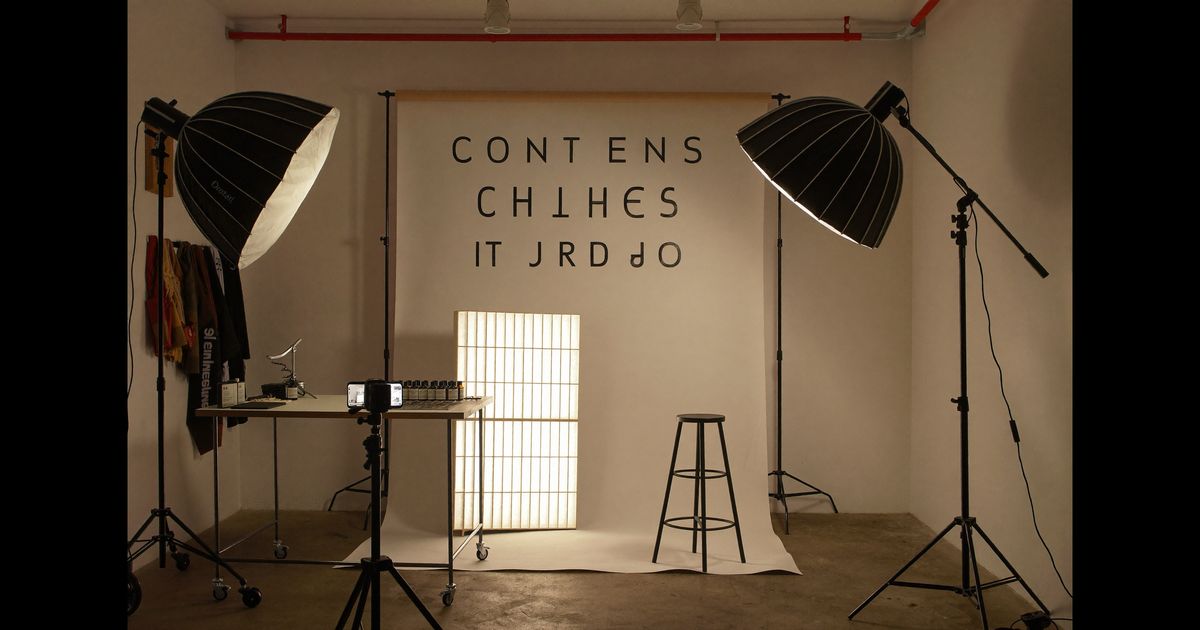
You do not need a studio. You do need consistency, good light, and stable shots. Here is what actually matters when shooting a tutorial at home in India:
- Light source: Natural window light is fine, but position it so it falls on your face and the product from the front or side, not behind you. A Rs.800 ring light from Amazon works well if natural light is inconsistent.
- Background: A clean, uncluttered wall or a simple flat-lay surface reads as professional. Avoid busy backgrounds that pull the eye away from the product or your hands.
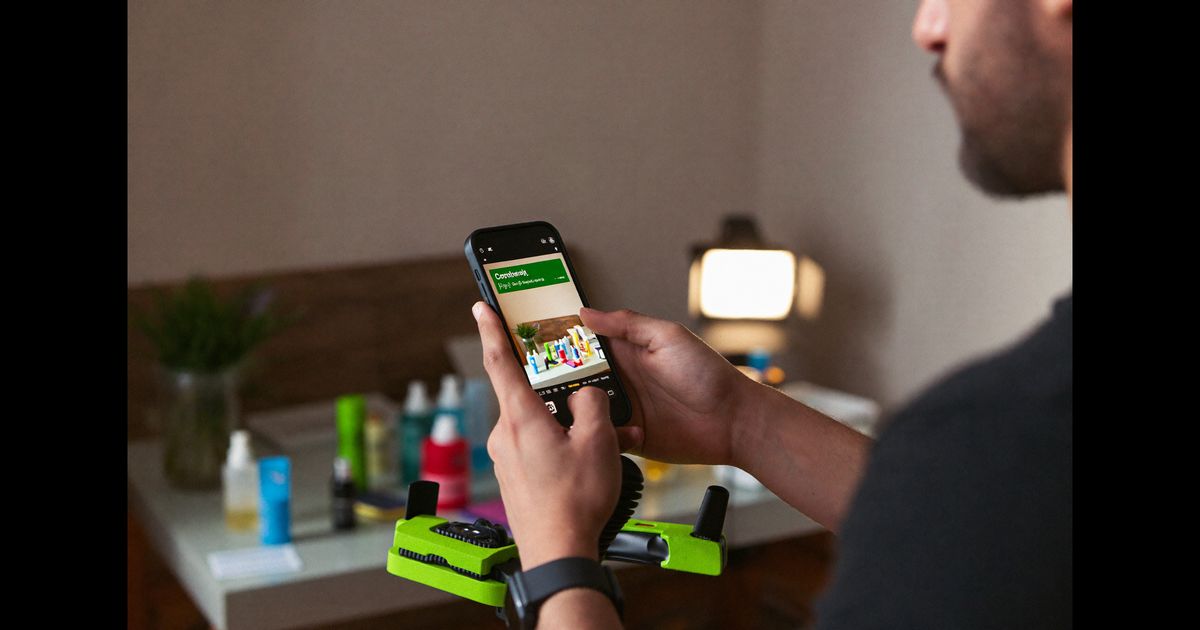
- Angles for hand tutorials: If you are demonstrating application, makeup, skincare, hair oil, food prep, film from an overhead angle with the phone propped on a stand or a stack of books. This keeps your hands in full view throughout.
- Shot variety: Cut between a wide shot (your face and hands) and a close-up (the product and application point). Even two angles make the video feel more dynamic and help Instagram's algorithm treat it as higher-quality content.
- Vertical format, always: 9:16 fills the screen on Reels and Stories. Never shoot tutorials in landscape for Instagram.
Hindi, Tamil, Bengali, or any regional language voiceover often outperforms English-only content for product tutorials targeting Tier 2 and Tier 3 audiences. If a brand wants reach beyond metro cities, brief the creator to use the local language or a natural Hindi mix (Hinglish) rather than scripted formal English.
ASCI Compliance for Branded Tutorials
If you are creating tutorial content as a paid collaboration with a brand, ASCI (the Advertising Standards Council of India) guidelines require that you disclose the commercial relationship clearly. This is not optional, and Instagram's own paid partnership label does not fully replace a spoken or written disclosure.
- Add the text "Paid Partnership" or "Ad" in the caption, not buried after multiple lines.
- If you are using Instagram's native "Paid Partnership" tag, that satisfies the platform requirement, but ASCI also expects the disclosure to be visible in the content itself for video posts.
- Do not use vague terms like "collab" or "gifted" as substitutes for a clear paid disclosure if money changed hands.
- Claims about product results, especially in health, skincare, or supplement tutorials, must be substantiated. Avoid superlatives ("the best", "fastest acting", "100% effective") unless the brand can back them with verified data.
A common mistake we see: creators make a genuinely excellent tutorial but then a brand's legal team flags it for a claim like "removes pigmentation completely in one week." The tutorial has to be re-shot or the audio re-dubbed. Build the script with verifiable, honest language from the start, it saves everyone time.
Captions, Hashtags, and the Comment Trigger
The caption for a tutorial Reel is not wasted space. It extends the content's usefulness and helps Instagram understand what the post is about. A few practical points:
- First line of the caption matters: Instagram truncates captions after two lines. Put the most useful or curiosity-driving sentence first. Something like "Full routine breakdown in the caption, save this one" works well to prompt saves, which signal strong content to the algorithm.
- Step summary in the caption: For tutorials with more than three steps, list the steps briefly in the caption. This adds value for users who want to reference the steps later and increases save rates.
- Hashtags: Use 5–10 specific hashtags rather than 30 generic ones. Mix product-category tags (#skincareIndia, #homecooking, #productivityapp) with a few creator-community tags (#ugccreatorIndia). Avoid stuffing irrelevant trending tags.
- Comment trigger: End the caption with a question or a prompt. "Which step did you find most useful, drop a number below" generates comment activity that boosts reach without asking for something vague like "Share your thoughts."
What Makes a Tutorial UGC Asset Reusable for a Brand
If you are creating tutorial content as a UGC asset (i.e., the brand will use the footage in their own ads or feed), think beyond the organic post. The most valuable tutorial deliverables for Indian D2C brands are ones that can be repurposed without re-shooting.
- Provide raw footage cuts: Give the brand both the edited Reel version and individual clips of each step. They may want to use a single step as a short ad, or combine your step with another creator's voiceover.
- Shoot with clean audio options: A version with natural ambient sound (no music) is more flexible for the brand's ad team, who will often add licensed music or a voiceover in post.
- Make the product packaging clearly visible: In at least two shots, hold the product facing the camera so the label is readable. This is basic for ad use but easy to forget in the flow of filming.
- Vertical and square versions: If possible, shoot slightly wider than 9:16 so the brand can crop to 1:1 for feed ads without losing the key visual elements.
Brands running Meta Advantage+ campaigns in India frequently test tutorial-format UGC as top-of-funnel creatives. A well-shot, step-labelled tutorial Reel can be used as-is in an ad set with minimal editing, which is exactly why tutorial assets often command higher rates than simple testimonial clips.
If you are a brand looking to brief creators for tutorial content, or a creator wanting to build a portfolio of brand-ready tutorial assets, our team at The UGC Agency works with D2C and FMCG brands across India to produce exactly this kind of content. See how we structure production briefs and creator matching on our work page.