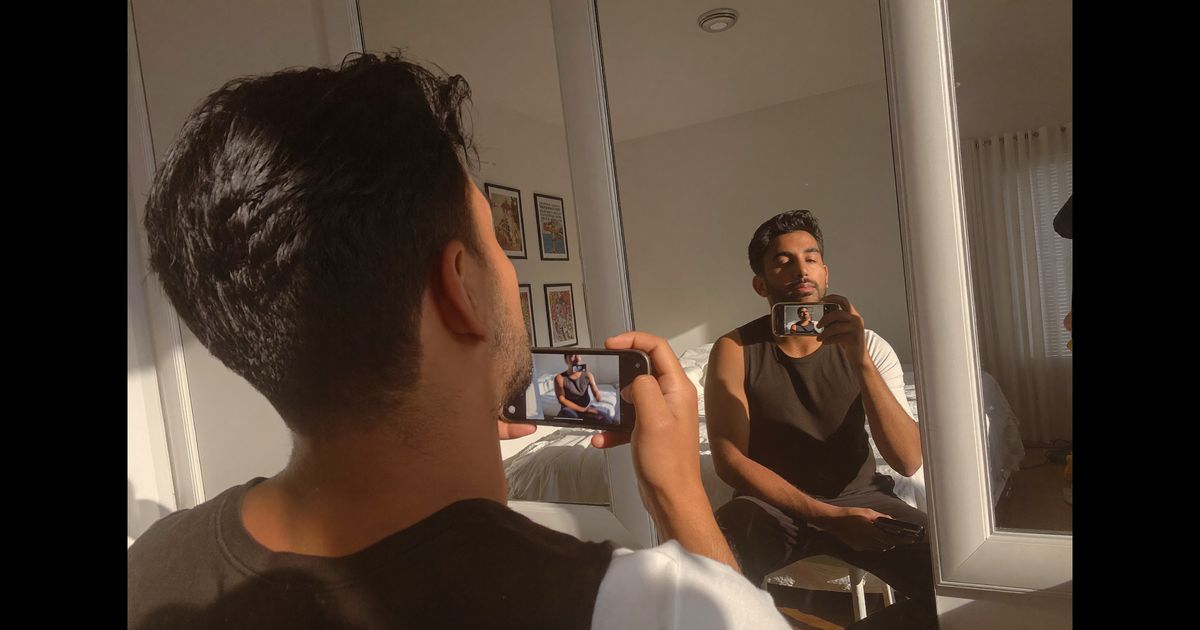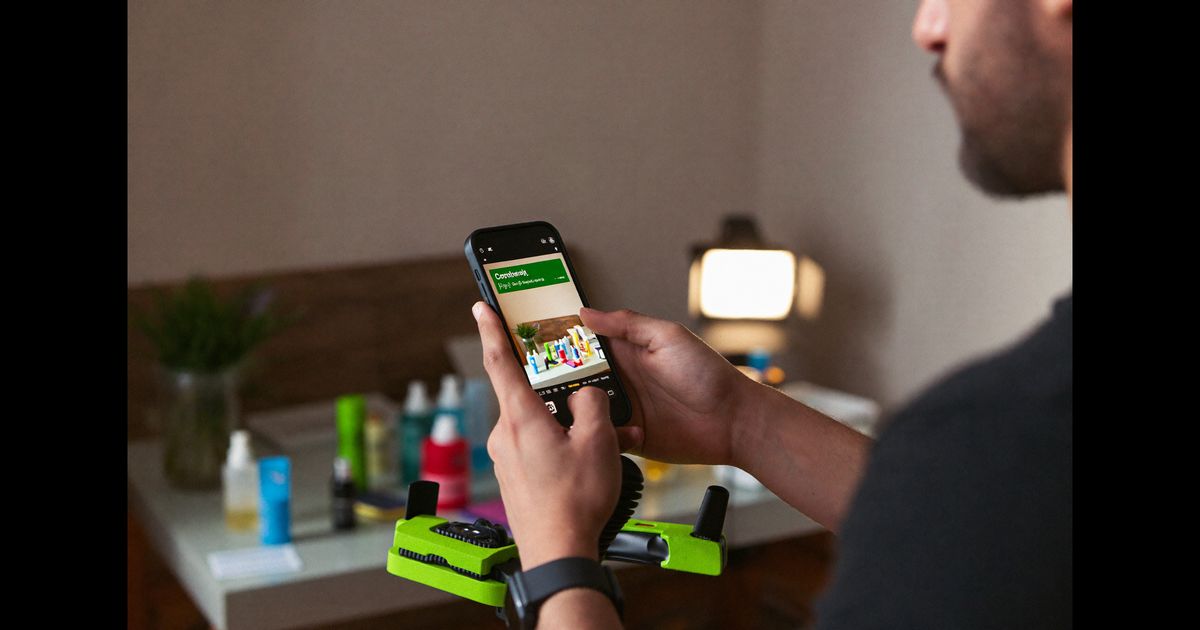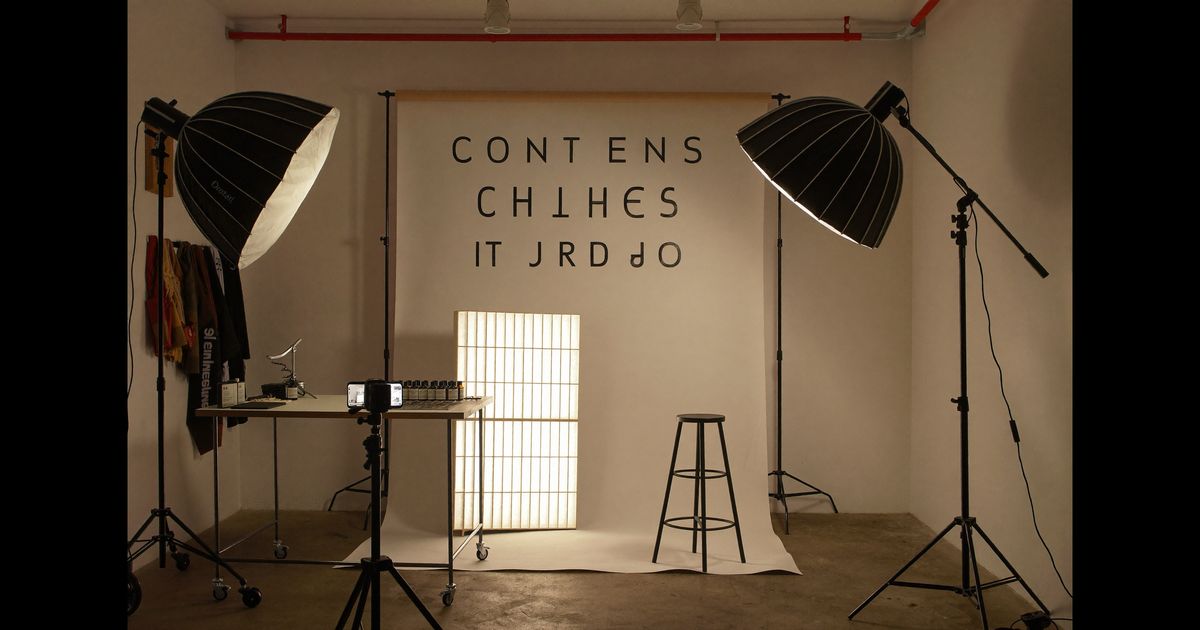
Facebook Reels crossed 200 billion plays per day globally, and India is a major driver of that number, particularly in Tier 2 and Tier cities across India where Facebook still outranks Instagram in daily active users. For brands selling through D2C channels or running performance campaigns, this means Reels on Facebook is not a repurposing afterthought; it is a legitimate primary placement. But most UGC content posted there was shot for Instagram and simply cross-posted, and it shows, wrong aspect ratio, text too low, hook too slow for the feed. Here is how to do it properly, from brief to upload.
This guide is structured as a sequential workflow. Follow these steps in order when briefing your creators or shooting in-house, and you will consistently produce Reels that perform well both organically and as paid placements.
Step 1: Understand the Facebook Reels Viewer Before You Script
The Facebook Reels audience in India skews differently from Instagram. You are often reaching users aged 28–45, many of whom discovered the format recently. They are scrolling a feed that mixes family posts, news, memes, and video ads, the competition for attention is noisier and more varied than the curated aesthetic of Instagram.
- Default sound-off is common. Facebook's autoplay mutes video by default in many placements. Every Reel you produce must communicate its core message even with the audio off. On-screen text is not optional, it is structural.
- The hook window is tighter. Facebook's internal data has consistently shown drop-off peaking in the first 1.5 seconds. On Instagram the convention is a 3-second hook; on Facebook Reels, brief your creator to land the visual or text hook by second one.
- Bilingual captions convert better. In states like Maharashtra, Bengal, Tamil Nadu, and UP, creators who mix Hindi with the regional language, or caption in both, see measurably higher shares and saves. We brief creators to deliver the first line in Hindi, then switch to English or the regional language depending on the target state.
Step 2: Write the Brief Using a Scene-by-Scene Structure
A vague brief produces vague content. For Facebook Reels specifically, brief in scenes rather than mood boards. A standard UGC Reel brief at our agency for a 30-second clip is broken into four scene slots:
- Scene 1 (0–3 sec), The Hook Scene: Define exactly what the creator should say or show. No room for improvisation here. Example: "Hold product to camera, say: 'Maine ₹2,000 mein yeh try kiya, honest review.'" That line primes curiosity, sets a price anchor, and signals authenticity.
- Scene 2 (3–12 sec), The Problem or Context Scene: The creator describes the situation your product solves. Keep this conversational. Brief them to avoid scripted-sounding bullet points; the delivery must feel like they are talking to a friend, not reading off a teleprompter.
- Scene 3 (12–24 sec), The Proof Scene: Show the product in real use. For skincare, this is application footage. For SaaS, this is a screen capture with face-cam overlay. For food/FMCG, this is a genuine reaction shot. Do not cut the reaction short, Facebook's algorithm rewards watch time, and genuine reactions keep people watching.
- Scene 4 (24–30 sec), The CTA Scene: One clear action. "Link in bio," "check the comments for the coupon," or a spoken brand name. Per ASCI guidelines, if the creator has received the product for free or is paid, a disclosure like "Ad" or "Paid Partnership" must appear clearly on screen, this applies to Facebook Reels just as it does to Instagram. Brief your creators to include it as a text overlay in Scene 1, not buried at the end.
Step 3: Production Setup for the Indian Creator Environment
Most Indian UGC creators shoot on mid-range Android phones, a Redmi Note, a Realme, or a Samsung M-series. The advice below is calibrated for that reality, not for iPhone Pro setups.
- Resolution and aspect ratio: Shoot at 1080×1920 (9:16, vertical) at 30fps minimum. Facebook Reels supports up to 4K but 1080p is the sweet spot for upload speed and compression without quality loss. Brief creators to check their camera app is not set to the compressed "Efficiency" format, standard HEVC or H.264 at high quality.
- Safe zones: Facebook Reels overlays UI elements (progress bar, profile icon, like/comment buttons, caption text) across the bottom 20% and the top 8% of the frame. Any on-screen text in the brief should be placed between 15% and 80% of frame height. Many creators lose their product name or price because they placed text in the bottom zone that Facebook's UI covers.
- Lighting with limited gear: A Rs.600–900 ring light from Amazon India or a window with indirect afternoon light is sufficient. The single biggest upgrade for creators shooting in small Kolkata or Mumbai apartments is to face a window, not stand sideways to it. Brief them explicitly: "Face the largest light source in the room."
- Background control: Cluttered backgrounds kill perceived brand quality. A solid-coloured dupatta pinned to a wall, a plain white bedsheet, or a bookshelf tidied to two or three items are all workable. We include a one-line background instruction in every brief: "Clear everything behind you that you would not want your employer to see."
Step 4: On-Screen Text and Caption Strategy
Because Facebook Reels plays muted for many users, your on-screen text is the primary script, audio is the bonus layer, not the main channel.
- Use the CapCut auto-caption feature (available free on Android and iOS) to generate synced captions. Export with captions burned in so Facebook's compression does not destroy readability. White text with a thin black stroke or a semi-transparent background strip reads across every background colour.
- Keep caption lines short: No more than 6–7 words per line. Longer lines wrap awkwardly on smaller phone screens, common among Tier 2 viewers using 5-inch displays.
- Repeat the brand name and key claim in text even when spoken: "Skin glow, 7 din mein" as an on-screen overlay anchors the message for scroll-stoppers who did not hear the audio.
- The Facebook Reel description field matters more than on Instagram: Facebook's algorithm indexes the description text for topic relevance. Write 2–3 lines of description using plain, keyword-natural language (e.g., "Honest review of [Brand] face wash, tested for 2 weeks, combination skin, used in Mumbai humidity"). Avoid hashtag stuffing; 3–5 targeted hashtags are enough.
Step 5: Edit for the Platform, Not Just for Length
A 30-second Reel edited for Instagram is not automatically correct for Facebook. Two specific differences matter:
- Pacing: Cut on action, not on silence. Facebook Reels rewards videos where something visible happens every 2–3 seconds, a cut, a text pop-in, a zoom, a reaction. Static talking-head clips with no visual changes lose 40–60% of viewers by the 10-second mark in our testing with paid placements. Brief the editor (or the creator, if they self-edit) to add at least one visual element per 3-second window: a cut, a B-roll insert, or an animated text sticker.
- Audio choice: If you use a trending audio track, use one that is licensed for commercial use or explicitly cleared. Facebook's rights management will mute or restrict distribution of infringing audio, which kills performance for paid Reels. Original audio recorded by the creator, royalty-free tracks from Epidemic Sound or Facebook's own sound library, or a brief with the creator's voiceover as primary audio are safer choices for branded content.
When we run A/B tests on Facebook Reels placements, the version with burned-in captions and a text hook at second one consistently outperforms the clean visual version by 30–50% in completed-view rate, even when the audio is identical. Muted-default is the silent campaign-killer most brands ignore.
Step 6: Publishing, Boosting, and Compliance Checklist
Before you hit publish, or hand off to a media buyer to boost, run through this checklist:
- ASCI disclosure visible? "Ad" or "Paid Partnership" text overlay should appear in the first 3 seconds and not disappear before the viewer can read it. Facebook's own branded content tool (the "Paid Partnership" label) can be toggled on when a creator publishes from their personal profile, use it.
- No unsubstantiated claims? ASCI's UGC guidelines (updated 2023) hold creators and brands jointly liable for claims like "cures acne in 3 days" or "100% natural" without evidence. Brief creators to say "worked for me" rather than universal claims.
- Thumbnail selected? Facebook allows a custom thumbnail for Reels. Always upload a custom thumbnail, choose a frame where the creator's face and the product are both clearly visible. This is the image that appears in Reels carousels and on the creator's profile grid.
- Boost or dark-post ready? If the Reel will run as a paid placement via Meta Ads Manager, confirm the creator has added your Page as a partner in their branded content settings before publishing. Failing this step means the media buyer cannot boost the post, and you lose the organic+paid flywheel effect.
- Budget for boosting: Even Rs.200–500 per day for 5–7 days in a targeted city (e.g., Pune for a fitness brand, Chennai for a regional FMCG) dramatically expands reach beyond organic. Facebook's Reels placement within Advantage+ campaigns typically delivers lower CPMs than Stories or Feed in India, test it before defaulting to Feed-only.
Executing UGC Reels on Facebook well is a process, not a one-off shot. Get the brief, the production setup, the edit, and the compliance steps right, and you have an asset that works organically and as a paid placement, often for months. If you want a team that handles briefing, creator sourcing, and production end-to-end so your brand gets scroll-stopping Reels without the trial-and-error, take a look at our plans and pricing, we work with brands from Rs.60,000 onwards and have production experience across Hindi, Bengali, Tamil, and English-language content.