SaaS brands have a filming problem that product brands don't: there's nothing to hold up to the camera. No serum bottle, no snack pack, no outfit. What you're selling is a workflow change, and that's exactly why a well-made testimonial-style UGC video can outperform every other format in your paid mix. Done right, it translates invisible software value into a face, a voice, and a specific result.
This guide is a practical walkthrough for creators (and the brand marketers who brief them) on how to produce testimonial-style UGC that works for SaaS, whether you're pitching an accounting tool to a Pune-based CA firm, a CRM to a Bangalore startup, or an HR platform to a factory owner in Surat.
Understand What a SaaS Testimonial Must Do Differently
A testimonial for a face cream needs to show clear skin. A testimonial for project management software needs to make a feeling feel real, less chaos, faster closes, fewer missed deadlines. The script and framing have to compensate for the absence of a physical transformation.
Before filming anything, answer these three questions about the product:
- What was life like before? Creators need a "before" state that viewers instantly recognise, spreadsheet chaos, WhatsApp threads going nowhere, manual data entry eating up Saturdays.
- What is the single most felt benefit? Not the feature list. The felt benefit: "I stopped working Sundays" or "My accountant stopped calling me every month."
- Who is the protagonist? SaaS ads work best when the creator plays a specific user type, freelancer, ops manager, small business owner, not a vague "professional." The audience must see themselves.
We brief creators on these three points before they write a single line of script. Without them, you get a product demo in front of a ring light, not a testimonial.
Set Up a Shot That Signals Credibility, Not Production
Testimonial-style UGC lives or dies on perceived authenticity. Over-produced equals scripted in the viewer's mind. But under-produced, bad audio, blown-out window light, signals amateur, which for a SaaS product erodes trust in the software itself.
The sweet spot for an Indian creator filming at home or at a café:
- Background: A tidy home office corner, a bookshelf with actual books, or a co-working space (WeWork Bangalore, Innov8 Mumbai, 91springboard Delhi all work visually). Avoid blank walls, they look like green-screen setups stripped out. Avoid messy kitchens.
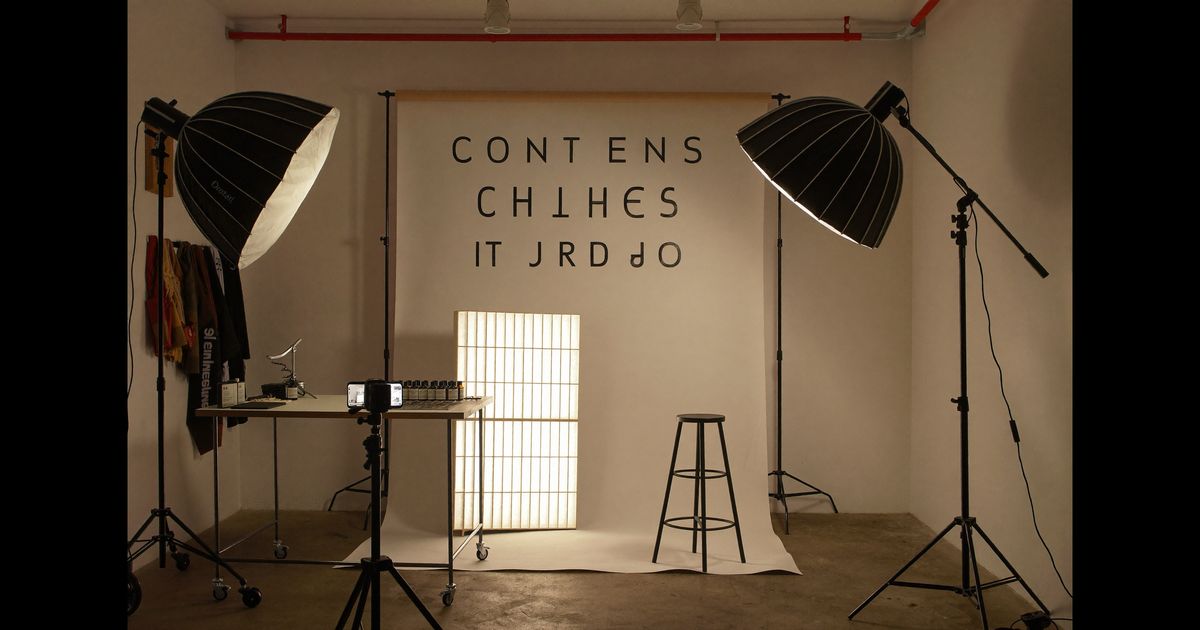
- Lighting: Natural light from a window to one side, not directly behind. If filming indoors in the evening, a Rs. 1,500–2,500 LED panel from Amazon India (Godox SL60 or equivalent) placed at 45° is enough. Avoid the ring-light halo, it reads as influencer, not peer.
- Audio: A clip-on lavalier mic (Boya BY-M1 at around Rs. 1,100 is the de facto standard) plugged into the phone. Bad audio kills a SaaS testimonial faster than shaky video, viewers unconsciously associate unclear speech with unclear software.
- Framing: Medium close-up, chest to top of head, camera at eye level. Slightly off-centre is fine for social. Looking directly at lens for key emotional beats, not reading off a prompter.
Write a Script That Sounds Like a Conversation, Not a Case Study
The structure that consistently performs in our production work for SaaS clients follows a four-beat arc, kept to 45–75 seconds for paid social (Meta Reels and YouTube Shorts placements):
- Beat 1, The pain hook (0–8 sec): Start mid-frustration. "I was spending three hours every Monday just pulling reports together, for a team of eight people." No preamble, no name intro, no "Hi guys."
- Beat 2, The discovery moment (8–20 sec): How they found the product. Keep it brief and human, a colleague's Slack message, a Twitter thread (now X), a LinkedIn post from someone in their industry. Not "I found it through an ad."
- Beat 3, The specific result (20–50 sec): This is where most creators get vague and lose the viewer. Push for numbers or time anchors: "By the second week, reports were running automatically, I got those three hours back." If real numbers aren't available, use qualitative specifics: "My team stopped pinging me for updates because everything was visible."
- Beat 4, The close (50–75 sec): A natural recommendation, not a sales line. "If you're running a small ops team and drowning in manual work, just try the free plan, took me about twenty minutes to set up."
The ASCI guidelines (updated 2023) require that any material connection between the creator and brand be disclosed. For SaaS UGC ads, the disclosure, typically "#ad" or "#sponsored" visible on screen or read aloud, must appear within the first two seconds of the video when used in paid placements on Meta or YouTube. Skipping this is not just a compliance risk; it also trips Meta's ad review for certain categories.
Film the Screen Insert, and Do It Right
The single production element that separates a mediocre SaaS testimonial from a high-converting one is a screen recording insert. Seeing the actual dashboard, even for four seconds, provides proof that no amount of verbal description can match.
How to do this without making it look like a tutorial:
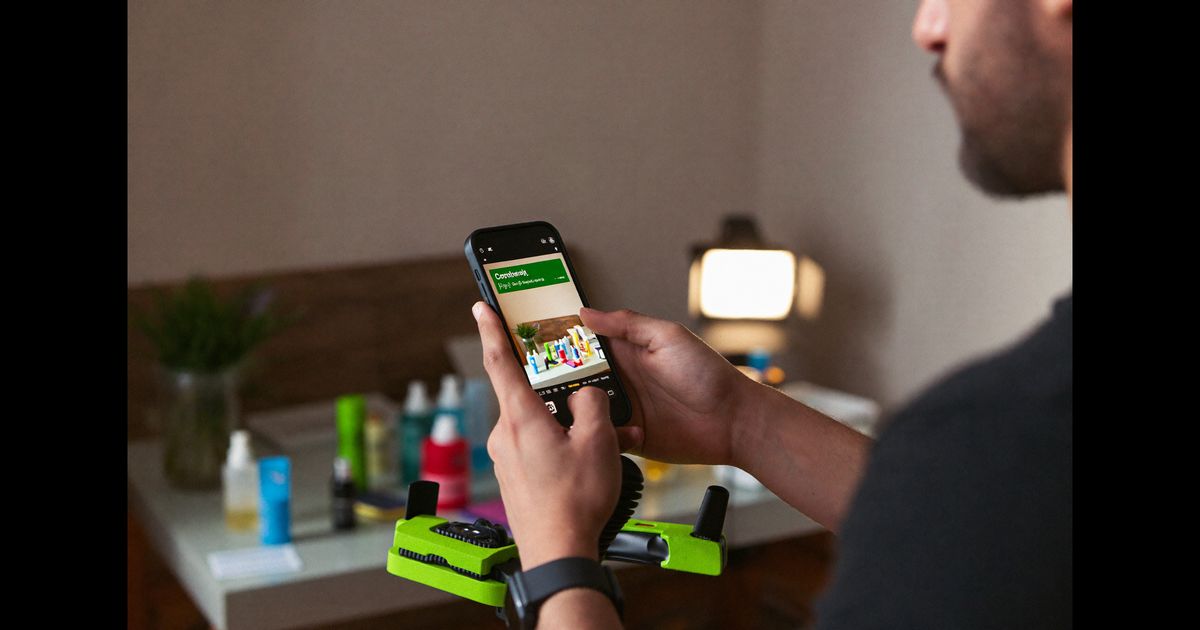
- Record a 5–10 second screen capture (QuickTime on Mac, Xbox Game Bar on Windows, or AZ Screen Recorder on Android, free, no watermark) showing the one screen the creator mentions. Not a tour of the product. One screen.
- Cut it in as a reaction cutaway, creator says "and then the dashboard just showed me everything," cut to the screen for 4 seconds, cut back to creator. Seamless.
- Add a thin border or a subtle shadow to the screen insert so it reads as a deliberate edit, not a recording glitch.
- If the brand has provided a demo account, use it. If not, creators can request a trial and film their genuine first-use experience, that rawness actually helps.
For brands targeting Hindi-speaking markets (tier-cities across India, SMB owners in UP, Rajasthan, MP), a creator switching between Hindi narration and English UI labels mid-testimonial is extremely effective. The code-switching signals that this tool is usable by someone like them, not just a tech-savvy Bangalorean.
Handle the "I'm Not a Real Customer" Challenge
Most SaaS brands briefing UGC creators aren't handing over actual customer accounts with real data. The creator is playing a character. This is fine legally and ethically as long as the disclosure is in place, but the creator must internalise the role or the video reads flat.
Preparation steps that work:
- Ask the brand for 2–3 real customer quotes or case study excerpts (anonymised is fine). The creator reads these before filming so the "pain" they describe is grounded in actual user experience, not guesswork.
- Use the product for at least 30 minutes before filming. Even a free trial is enough to generate genuine micro-reactions, the slight nod when a feature works, the "oh that's clean" moment. These are unscriptable and viewers feel them.
- If the creator has never used the product category at all (e.g., a lifestyle creator briefed on an ERP tool), pair them with a ten-minute call with the brand's customer success team. We do this routinely on enterprise SaaS briefs, it closes the authenticity gap faster than any script polish.
Produce Multiple Cuts for Different Placements
A single testimonial shoot should yield at least three deliverables, each trimmed and re-versioned for different Meta and YouTube placements:
- Long cut (60–75 sec): Full four-beat arc. Used for YouTube pre-roll and Meta Feed where viewers are more tolerant of longer formats. Include the screen insert here.
- Mid cut (25–35 sec): Beats 1 and 3 only, the pain and the result. No discovery story. Works for Instagram Reels and Meta Stories placements. Tighten every pause.
- Hook clip (6–10 sec): Beat 1 alone, the most arresting version of the pain statement. Used for awareness-phase retargeting and bumper ads on YouTube. No CTA needed, just the hook.
Brands running Google UAC or Meta Advantage+ campaigns benefit enormously from feeding all three cuts into the same ad set and letting the algorithm allocate spend. We've seen the 6–10 sec hook clip consistently win at top of funnel while the 60-sec version closes retargeted audiences, they serve different jobs in the same campaign.
Brief the Creator Like a Director, Not a Brand Manager
The fastest way to ruin a testimonial-style UGC video is a brief that reads like a product spec sheet. Creators don't need bullet points about features, they need emotional direction.
A brief that works contains:
- The exact user persona (e.g., "You are a 32-year-old operations manager at a 40-person D2C brand in Chennai. You've been the team's unofficial Excel person for three years.")
- The one line the brand must hear, the specific claim that legal and marketing have approved. Everything else is the creator's voice.
- Reference videos, two or three examples of the tone, not necessarily from the same category. "This energy, not this script."
- The freedom to improvise Beat 2 (the discovery moment) entirely. This is where genuine creator personality lives and where audiences decide whether to trust the recommendation.
If you're a creator building a UGC portfolio for SaaS brands, practise testimonial-style scripts for tools you actually use, Notion, Razorpay, Zoho, Freshdesk, ClearTax. Record a 60-second version and a 10-second hook cut. These spec pieces, even without brand sign-off, demonstrate range and understanding of the format far better than product unboxings.
For brands looking to commission testimonial-style UGC that converts, including the scripting, creator matching, and multi-cut production, you can explore how we work at theugcagency.com/work or book a brief consultation to scope out what your SaaS campaign needs.