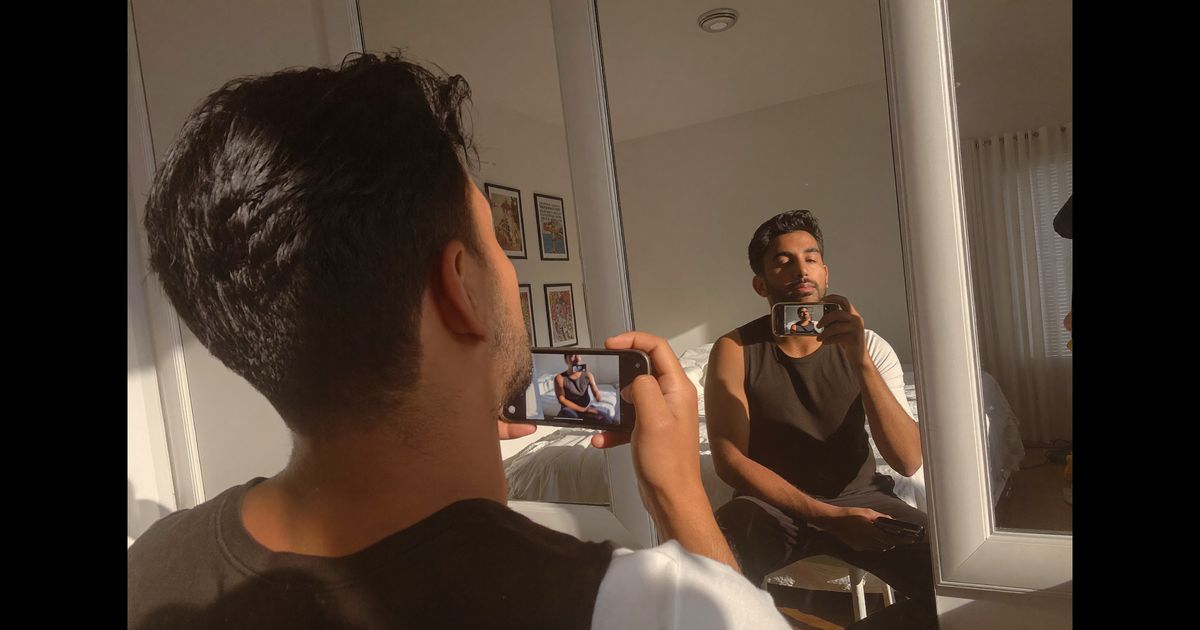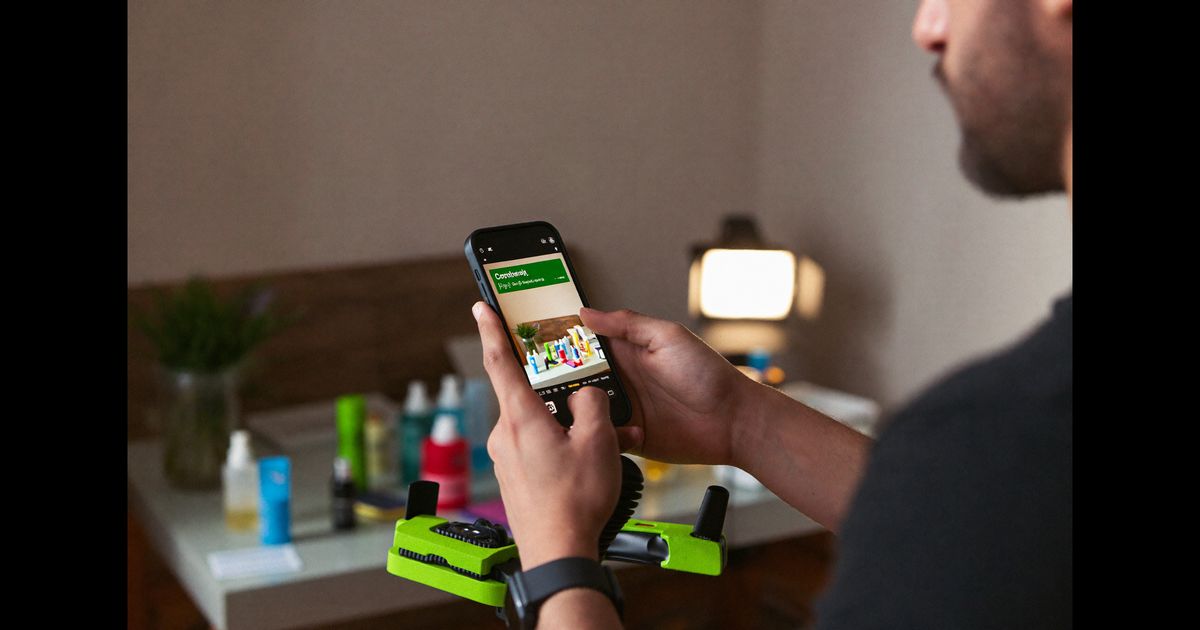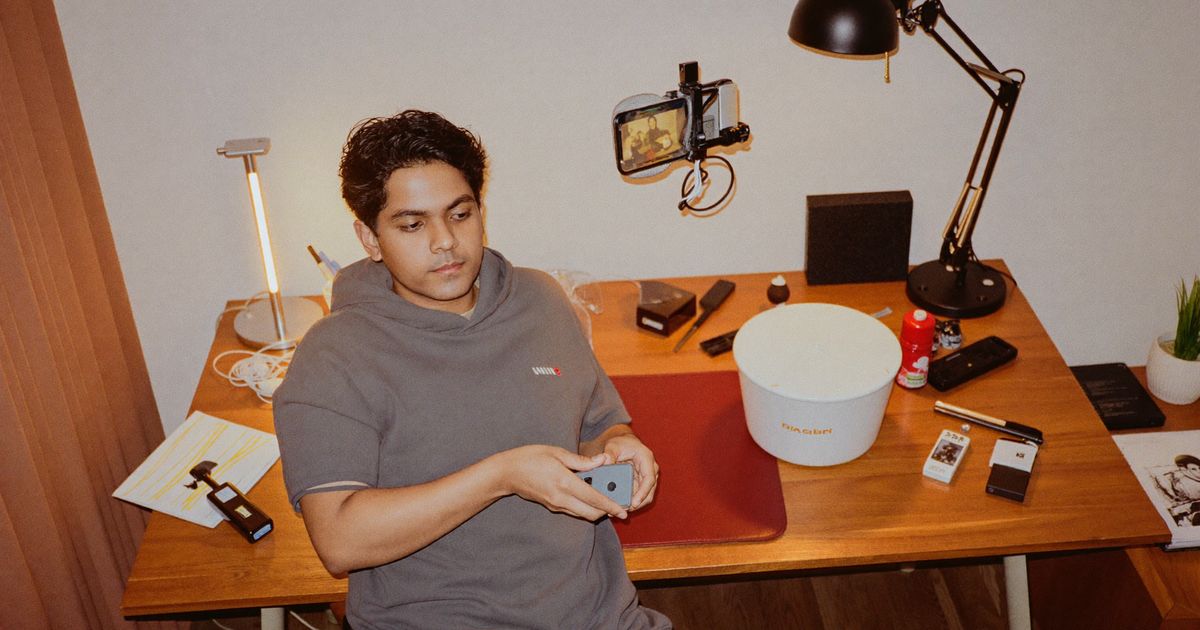
A fintech founder scrolling Instagram at midnight in Bengaluru stops cold on a video: a 26-year-old sitting in what looks like a home office, phone screen visible, walking through how he moved his emergency fund from a savings account into a liquid mutual fund via a neobank app, speaking in a mix of Hindi and English, no lower-thirds, no stock music. It looks exactly like a live stream replay. He watches it twice. That is the aesthetic FinTech UGC needs right now: authoritative, unrehearsed, and specific enough to trigger recognition.
Live stream-style UGC does not mean you actually broadcast live. It means you produce short-form content, 60 to 180 seconds, that carries the visual language and pacing of a live stream: a single locked-off camera angle, a real or plausible environment, occasional natural pauses, screen shares or phone walkthroughs in-frame, and a creator who speaks directly to a notional audience as if answering real-time questions. For regulated categories like mutual funds, lending, or insurance, this format lets you stay ASCI-compliant while building the kind of trust that polished studio ads routinely fail to create.
Why the Live Stream Aesthetic Works Specifically for FinTech
Financial decisions in India are still heavily trust-gated. A Rs.5,000/month SIP is a smaller commitment than an EMI, but it requires the viewer to hand over KYC details, a bank account link, and ongoing debit permission to an app they may have downloaded three days ago. Polished brand advertising signals spend, not credibility. Live stream-style content signals that a real person already made this decision and is showing you exactly how.
- Perceived expertise without credentials: A creator walking through a screen, "here is where I set my auto-invest date, here is the fund I chose and why", reads as a peer recommendation, not a paid endorsement, even when it is.
- Platform alignment: YouTube Live replays, Instagram Live replays, and long-form Reels all reward this format algorithmically in 2025–26. The live-replay thumbnail (blurred timer, chat bubbles) gets meaningfully higher tap-through rates than studio thumbnails in finance verticals.
- Lower creative fatigue: Because the format looks different from standard UGC ads, FinTech brands running this alongside polished video see longer effective ad lifespans before frequency saturation sets in on Meta placements.
Step 1, Define the Scenario and Compliance Boundaries Before Briefing
This step happens before a single creator is briefed. FinTech UGC sits under ASCI's guidelines for financial services advertising and, depending on the product, SEBI's communication norms for investment-related content. The practical rules you need to pre-clear:
- No guaranteed returns language. "I earned 14% last year on this fund" is permissible as a personal anecdote with a disclaimer; "this fund gives 14%" is not. Brief creators with exact permissible phrasings.
- Disclosure of commercial relationship. ASCI requires clear labelling, "Paid partnership" or "Ad", for paid influencer content. The live stream format does not exempt creators from this. The label needs to appear within the first few seconds, not buried at the end.
- No specific investment advice. Creators should narrate their own experience ("I invested Rs.2,000/month for six months") and avoid directing viewers to replicate exact decisions ("you should put Rs.2,000 in this fund").
- App-specific disclaimers. If the video shows an app interface, include the brand's standard disclaimer as a text overlay at close, "Mutual fund investments are subject to market risk", duration minimum 5 seconds per ASCI display norms.
Write these as a one-page compliance brief, separate from the creative brief. Hand both to the creator. In our production work, we have found that creators who receive compliance rules separately, not buried in a 12-point creative document, retain them better on shoot day.
Step 2, Choose the Right Creator Profile for This Format
Live stream-style UGC for FinTech does not require a large following; it requires credibility signals. The creator profile that converts best in this vertical:
- Age 24–35, urban tier-1 or tier-2 city: Bengaluru, Hyderabad, Pune, Ahmedabad, or Delhi NCR. These are the markets where app-based investing and neobanking have highest adoption, and creators from these cities speak in the register their audience recognises.
- Demonstrated interest in personal finance: Even a few past posts about salary, investments, or financial goals on Instagram or YouTube signals authenticity. A lifestyle creator with zero finance content who is suddenly doing a fund walkthrough reads as forced.
- Comfortable on camera without a script: The live stream aesthetic dies the moment a creator pauses to read cue cards. Look for creators who have posted Instagram Lives, YouTube Shorts in one take, or even casual finance Q&A in Stories.
- Bilingual fluency: Hindi-English code-switching is the natural register for this category in most Indian cities. Tamil-English for Chennai, Kannada-English for Bengaluru, Marathi-English for Pune, market this to your relevant geos accordingly.
Step 3, Set Up the Shot to Look Like a Live Replay
The entire production logic of this format is about controlled authenticity. You are not shooting a documentary; you are deliberately constructing the aesthetic of a live environment. Here is the technical setup we brief creators to use:
- Camera angle: Single locked-off front-facing angle, slight downward tilt as if on a laptop or phone stand. Not a ring-lit beauty shot, natural window light or a soft desk lamp on one side is correct. Avoid symmetrical, clean backgrounds; a bookshelf, a working desk with some clutter, or a balcony with a city view reads correctly.
- Screen capture: The phone or laptop screen must be visible and legible. For app walkthroughs, the creator holds their phone facing the front camera so both their face and the phone screen appear in frame simultaneously, a two-thirds/one-third split works well. Test that the app UI is readable at 1080p before the creator starts talking.
- Overlay elements: Add a subtle "LIVE" badge (even if grayed out, as a replay indicator) and a minimal scrolling comment strip at the bottom using a simple video overlay in post. This is the single most powerful cue that signals live-stream format to a viewer in the first two seconds. Keep comments generic: "Bhai, which app is this?", "SIP mein kitna minimum hai?", "doing this tonight."
- Audio: Lavalier mic clipped under a casual shirt collar, not visible. The audio quality of a live stream is slightly compressed; you do not want studio-grade audio here. A Rs.1,500–3,000 clip-on lav (Boya BY-M1 or similar) gives you the right quality ceiling without sounding produced.
- Duration: 90–120 seconds is the performance sweet spot for Meta placements in this category. Long enough to show a real workflow, short enough to hold attention. YouTube Shorts caps at 60 seconds, if cutting for YouTube, the creator needs a tighter 60-second pass with the same live aesthetic.
Step 4, Structure the Script (Without Writing a Script)
Live stream-style UGC breaks when creators read from a teleprompter or memorise lines. The correct approach is a beat sheet, a sequence of moments, not sentences. A standard beat sheet for a FinTech product walkthrough:
- Beat 1 (0–8 sec): Creator addresses the camera directly with a specific hook, not "hi everyone, today I'm going to show you," but something like "okay so I finally did the thing I'd been procrastinating on for four months." Immediately pull attention.
- Beat 2 (8–30 sec): Establish the problem or situation. What was the creator's specific financial situation or question that led them to this product? Specificity is critical, "I had Rs.40,000 sitting idle in my salary account after EMIs" is better than "I wanted to start investing."
- Beat 3 (30–80 sec): The live walkthrough. Creator opens the app, narrates what they are doing in real time, shows key UI moments, onboarding, KYC completion, fund selection, SIP setup. This section should feel genuinely unscripted even if the beats are planned.
- Beat 4 (80–110 sec): Outcome and honest reflection. What did the creator actually feel after completing the action? What surprised them (positively)? One genuine hesitation or question they had makes the whole piece more credible.
- Beat 5 (110–120 sec): Soft close. Not a call to action, that comes as a text overlay or end card. The creator wraps their thought naturally, as if a live stream is ending: "that's basically it, link is in bio if anyone wants to check it."
The beat sheet approach produces better compliance outcomes too, creators who are not reciting a script are less likely to slip into impermissible language they were told to avoid but did not internalise.
Step 5, Post-Production: Add Live Cues Without Over-Producing
Post work on live stream-style UGC should take 45–90 minutes per video, not a full day. The goal is to add signal, not polish:
- Add the "LIVE" indicator badge in the top-left corner using a simple text overlay with a soft red dot, CapCut, DaVinci Resolve, or even Instagram's own editing tools can do this.
- Add 2–3 comment bubbles drifting up from the bottom edge at 20-second intervals. Keep them in Devanagari or the regional script if targeting a Hindi or regional language market, this one detail significantly increases perceived authenticity in non-metro audiences.
- Apply a very light 1–2% film grain or a subtle compression artefact LUT. The objective is to remove the "too clean" quality of a well-shot video without making it look bad. This is a 15-second colour grade adjustment, not a stylistic choice.
- Add the required disclaimer text overlay at the final beat, white text on a semi-transparent dark bar, minimum 5 seconds on screen, readable at mobile size.
- Export at 1080x1920 for Reels/Shorts and 1080x1080 for feed placement. Do not re-export at lower quality to "look more authentic", Meta and YouTube compress on ingest; you do not need to pre-compress.
Step 6, Testing and Iterating Across Funnel Stages
Live stream-style UGC for FinTech performs differently across funnel stages, and the beat sheet should be adapted accordingly. For top-of-funnel awareness on Instagram Reels, the hook and problem-statement beats carry the most weight, cut a 30-second version that ends at Beat 2 with a "watch the full version" text card. For retargeting audiences who have already visited the app's download page, the full 90–120 second walkthrough with detailed UI narration outperforms shorter cuts significantly, this audience needs the last objection cleared, not awareness built.
Track view-through rate at the 15-second and 45-second marks separately. If the 15-second drop-off is high, the hook beat needs reworking, test a different opening line with the same creator. If the 45-second drop-off is high, the walkthrough section is too slow; the creator is narrating steps the viewer can already see on screen. In our experience with finance app clients, the most common edit needed is trimming Beat 3, creators over-explain UI steps that are visually self-evident.
If you are producing live stream-style UGC for a FinTech brand and want a creator roster already familiar with financial content compliance and the live-replay format, reach out for a consultation, we brief, shoot, and deliver ASCI-ready FinTech UGC from our Kolkata production team, typically within seven working days.