Live shopping streams on Instagram and YouTube have changed what buyers expect from product videos, they want the same raw, conversational energy even when they are watching a pre-recorded clip in their Reels feed. That gap between live-stream authenticity and edited UGC is exactly the space this format fills. Live stream-style UGC is a pre-recorded video deliberately made to look and feel like someone went live: imperfect framing, real-time reaction energy, a creator talking to the camera as if thousands of people are watching, even when they are filming alone in a Bengaluru flat at 10 pm.
If you have never produced this kind of content before, do not worry. You do not need a ring light setup, a professional microphone, or any prior filming experience. What you need is a clear understanding of the format, a basic brief, and a willingness to let imperfection work in your favour. This guide walks you through everything from camera angles to platform rules, so you can brief a creator confidently or shoot this yourself.
Why This Format Works, and Where It Works in India
Live shopping is mainstream in India. Meesho, Flipkart Live, Amazon Live, and YouTube Live are all running commerce streams with real purchase intent. Instagram Live with product tags is used heavily by D2C skincare, fashion, and food brands. When someone has watched three or four of these streams, they have trained themselves to trust the unpolished look, the slightly wobbly camera, the creator glancing at a comment, the abrupt reaction when they taste something for the first time. Pre-recording a video in that exact aesthetic borrows that trust without the logistical risk of an actual live stream.
This format fits particularly well for:
- Unboxing and first-use moments, skincare, supplements, home gadgets, packaged food
- Limited-time offers and sale announcements, brands running Diwali or end-of-season drops
- Vernacular content, a creator speaking in Hindi, Bengali, Tamil, or Telugu sounds far more natural in a casual live-stream register than in a polished scripted format
- Category education, explaining how a serum layering routine works feels more credible when it looks like a live demo than a rehearsed tutorial
Setting Up Your Shot Without a Studio
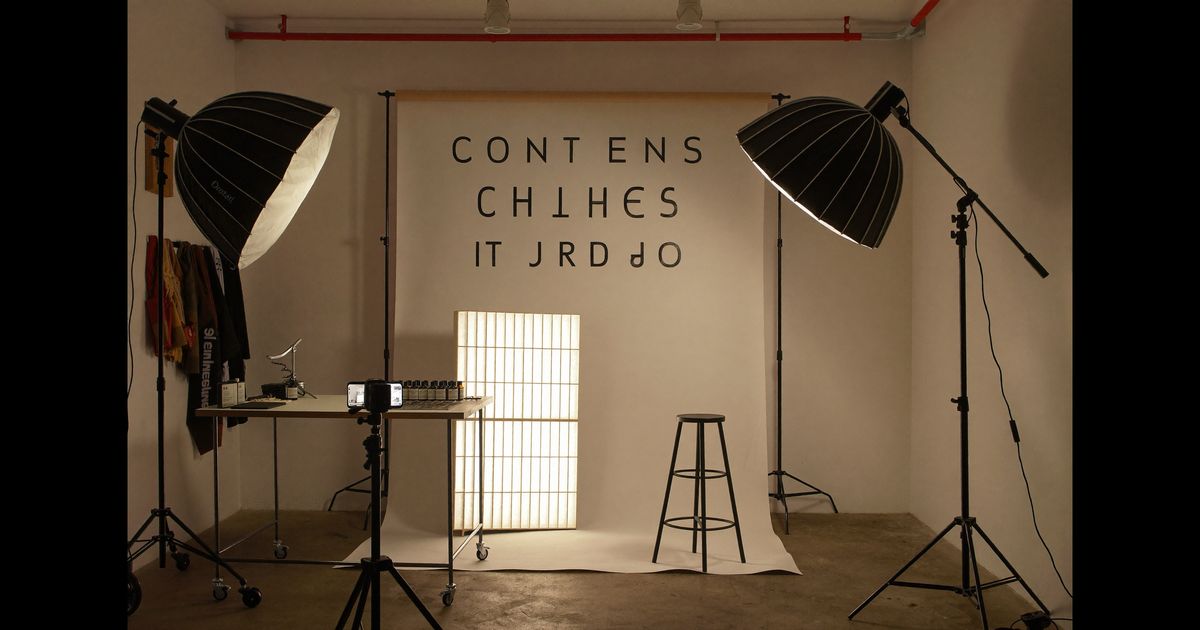
The whole point of this format is that it looks spontaneous. Over-produced setups undermine that. Here is what to actually have in place before hitting record:
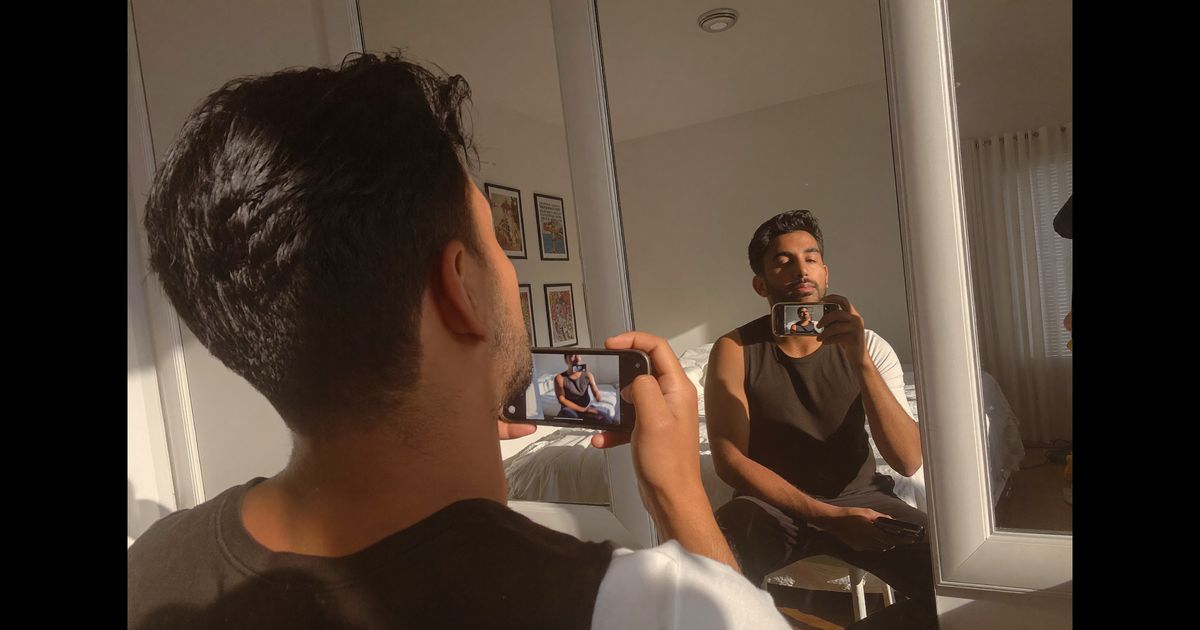
- Camera angle: Film from a slight low-angle or dead-on eye level, handheld or on a small tripod. Avoid the "brand shoot" overhead flat-lay angle, that reads as polished and breaks the illusion. The creator should feel close to the lens, not staged in front of it.
- Background: Real rooms work better than clean backgrounds. A Chennai kitchen counter, a shelf of books in a Delhi flat, or a slightly cluttered table in Pune, anything that looks lived-in reads as genuine. Avoid plain white walls unless the brand specifically needs them.
- Lighting: Natural window light is your best friend. The afternoon light in most Indian homes at 3–4 pm is soft and flattering. If you are shooting in the evening, a single desk lamp pointed at the wall (not directly at the face) creates warm, non-commercial looking light. Hard direct ring light is the one thing to avoid, it signals "ad" immediately.
- Phone vs. camera: A mid-range Android or iPhone shot vertically at 1080p is exactly right. Shooting on a mirrorless camera with a shallow depth-of-field background blur looks too cinematic. The slightly flatter image from a smartphone camera is an asset here.
- Audio: Do not use the lapel mic pinned neatly under a collar the way a corporate testimonial would. The built-in phone mic from 30–40 cm away, with a little room noise, is perfectly fine. If there is some background sound, a ceiling fan, distant traffic, that is acceptable. Silence that is too clean feels edited.
Writing the Creator Brief for a Live-Stream Feel
The brief is where most brands go wrong. They write it like a script, bullet points to hit, features to mention, a mandatory sign-off line. A live-stream-style video falls apart the moment a creator starts reading from a list in their head. The brief should instead describe a situation, not a sequence.
A brief that works might look like this:
"You just got the package. You are opening it on camera the way you would if you went live right now, genuinely curious, talking to whoever is watching. Show the product. Try it or interact with it. Be honest about your first impression. The brand wants one genuine moment where you'd recommend it to a friend, work that in naturally, do not save it for the end. No scripted lines. Under two minutes."
We brief creators to treat the first three seconds like a live stream hook, not a "Hi guys, welcome back" opener (save that for actual channel content), but an immediate reaction or statement. Something like grabbing the product and saying, "Okay yeh seriously acha smell karta hai" or "Main seriously shocked hoon ki itna fast deliver hua." That moment of genuine surprise or delight is the hook that makes a viewer stop scrolling.
Other brief elements that matter:
- Tell the creator which specific claim language to avoid, ASCI guidelines require that claims like "reduces dark spots in 7 days" or "clinically proven" be substantiated by the brand and clearly identified as ad content. Any video that could be mistaken for an organic post but is paid must carry a visible "Paid Partnership" or "Ad" disclosure. This is non-negotiable.
- Ask for 2–3 takes of the same moment rather than one polished version. Live-stream style benefits from the creator's second or third attempt, which tends to be looser.
- Specify whether you want the creator to acknowledge comments (even fake ones typed on screen), some brands add a comment overlay in post to increase the live-stream illusion.
The Live-Stream Techniques That Make It Feel Real
There are specific on-camera behaviours that make the live-stream aesthetic work. These can be coached or described in the brief:
- Breaking the fourth wall repeatedly: Saying "wait, let me show you this properly" or "okay guys, look at this" directly addresses an imagined audience and creates intimacy. Unlike a polished UGC video where the creator might address the camera once, live-stream style involves constant check-ins with the viewer.
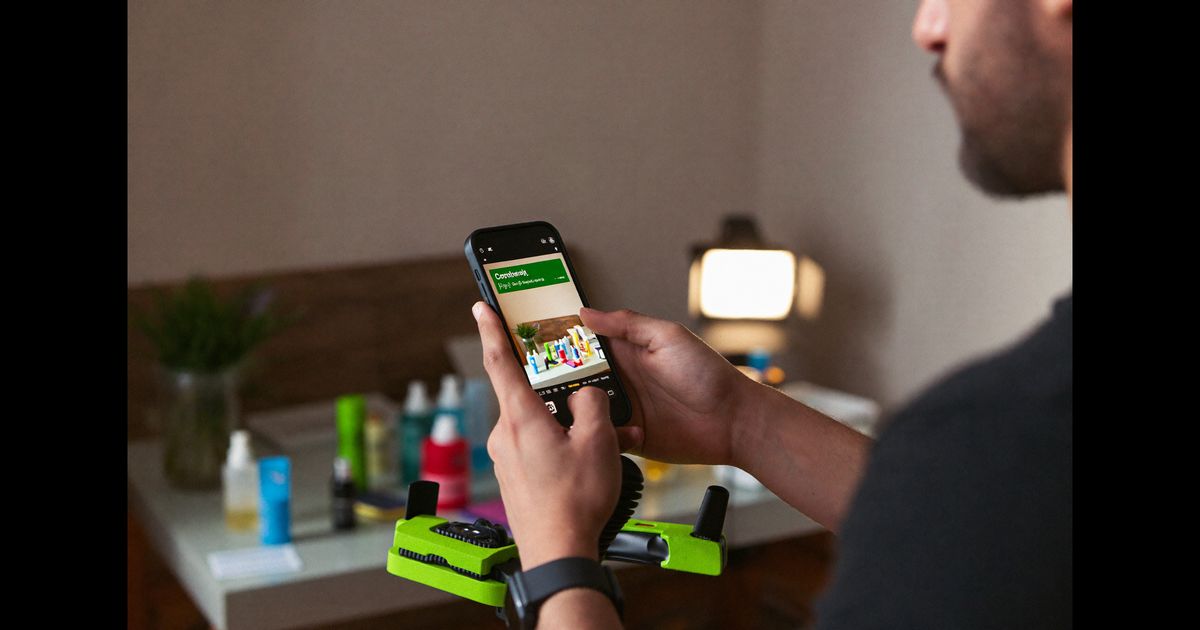
- Physical camera interaction: Holding the product right up to the lens, tilting the phone to show packaging text, or propping the phone against something to free up both hands, these movements mimic what happens in an actual live stream and give the video energy.
- Filler and self-correction: A creator saying "so basically... actually wait, lemme explain this better" reads as authentic rather than rehearsed. Do not ask for reshoots just because of verbal imperfection. This is a feature, not a flaw.
- Reaction timing: On-camera reactions to tasting, smelling, or feeling a product should be immediate and unpolished. If a creator pauses to think before reacting, they are in "review video" mode. Coach them to react first and explain second.
- Pace and energy: Live-stream creators speak slightly faster than they would in a structured tutorial. The pacing is closer to a WhatsApp voice note than a YouTube explainer. If a creator sounds like they are reading, the format breaks.
Editing: What to Keep and What to Cut
The edit for live-stream-style UGC should be minimal. The goal is to remove dead air and keep everything else. Here is the approach:
- Keep natural cuts, not jump cuts: A hard jump cut every two seconds reads as Reels-optimised content. A longer uncut segment of 15–20 seconds feels like a clip from a live session.
- Add a fake comment overlay (optional but effective): If the brand wants to push the format further, a scrolling comment bar at the bottom, showing fictional viewer names and reactions, immediately signals live stream. Tools like CapCut and VN have templates for this. Keep comment names generic: "priya.sharma123", "delhi_foodie_ritesh", not perfectly branded handles.
- On-screen text: Use thin, lowercase text for product callouts rather than loud branded supers. "spf 50+" in small white text over the frame reads as a live-stream addition, not a post-production ad graphic.
- Sound design: Do not add music unless it is very low in the mix. Live streams rarely have background music. If the video needs energy, the creator's delivery provides it.
- Length targeting by platform: Instagram Reels performs best between 30–60 seconds for this format. YouTube Shorts can go up to 60 seconds. For paid social ads, 15–30 second cuts tend to get lower CPMs for D2C brands spending in the Rs. 500–2,000 per day range on Instagram.
Platform and Compliance Basics
A few practical things to get right before you publish:
- ASCI disclosure: Any paid UGC, whether posted on a creator's handle or on a brand page, must carry a disclosure. On Instagram and YouTube, this means using the platform's built-in "Paid Partnership" tag or visibly stating "Ad" or "#ad" in the caption or on the video. ASCI enforcement has increased significantly since 2022, and brands (not just creators) can be held accountable.
- Platform rules on misleading live content: If a video uses a fake live indicator (a red dot with the word "LIVE" in the corner), Meta's ad policies may flag it as deceptive. Remove the live badge before running as a paid ad, use the comment overlay and live-style delivery to signal the format instead.
- Repurposing across platforms: A 9:16 live-stream-style video shot for Instagram Reels can run on YouTube Shorts and Moj without any changes. For WhatsApp Status sharing (useful for D2C brands with reseller networks), trim to under 30 seconds.
- Vernacular considerations: If you are targeting Tier cities across India, Jaipur, Coimbatore, Nagpur, a Hindi or regional language delivery in this casual register tends to dramatically outperform polished English content. The live-stream format and vernacular delivery reinforce each other because both signal accessibility.
If you are a D2C brand trying to figure out which content formats will actually convert on Instagram and YouTube this year, our team at The UGC Agency works with brands from Kolkata, Mumbai, and Delhi to produce exactly this kind of creator content, planned, briefed, and produced with platform performance in mind. Book a free consultation to see how live-stream-style UGC could work for your product category.