A SaaS dashboard doesn't photograph well. There's no unboxing moment, no product you can hold up to the light, no before-and-after transformation a camera can capture in three seconds. That's exactly the problem carousel-style UGC solves for software brands, and it's why, when SaaS clients brief us on creator campaigns, we almost always steer them toward a multi-frame format rather than a single talking-head clip.
What follows is how we actually structure, shoot, and brief carousel-style UGC for SaaS products at The UGC Agency, from the storyboard conversation with a brand to the final swipe-through on Instagram or LinkedIn. If you're a SaaS marketer figuring out how to get creators to make content that converts, not just content that gets views, this is where to start.
Why Carousels Work Differently for SaaS Than for Physical Products
A D2C skincare brand can brief a creator to unbox, apply, and react. A project management tool or a GST filing app can't do any of that. What it can do is walk a viewer through a workflow transformation, and that's fundamentally what a carousel does better than a short-form video when attention is short.
On Instagram, carousel posts earn more repeat views than single images or reels because the platform re-surfaces unseen slides to users who didn't finish swiping. On LinkedIn, still the primary organic distribution channel for B2B SaaS targeting founders, finance teams, and HR managers in cities like Bengaluru, Pune, and Hyderabad, carousels consistently outperform text posts in dwell time. The format forces the viewer to make an active choice on every swipe, which means each slide earns its place or loses the viewer.
For SaaS specifically, this swipe mechanic maps neatly onto the product's own value proposition: "here's your life before, here's how the tool fits in, here's what changes." That narrative arc is impossible to fake across six or eight slides the way a single talking-head ad can hide behind charisma.
How We Brief Creators for Carousel UGC: The Four-Layer Structure
We don't give creators a script. We give them a structure. For any SaaS carousel brief, we define four layers before the creator picks up their phone:
- Hook slide (Slide 1): A bold claim or uncomfortable question related to the pain point. For a payroll SaaS targeting HR managers, this might be a photograph of a cluttered Excel sheet with the text overlay "Still running payroll on this?" We brief creators to shoot this as a real desk setup, not a stock-style flat lay, the mess is the point.
- Problem slides (Slides 2–3): The creator narrates their own experience with the problem in their natural voice. For a Bengaluru-based freelancer creator talking about invoicing, this is genuinely their situation. Authenticity here is non-negotiable; manufactured pain reads flat.
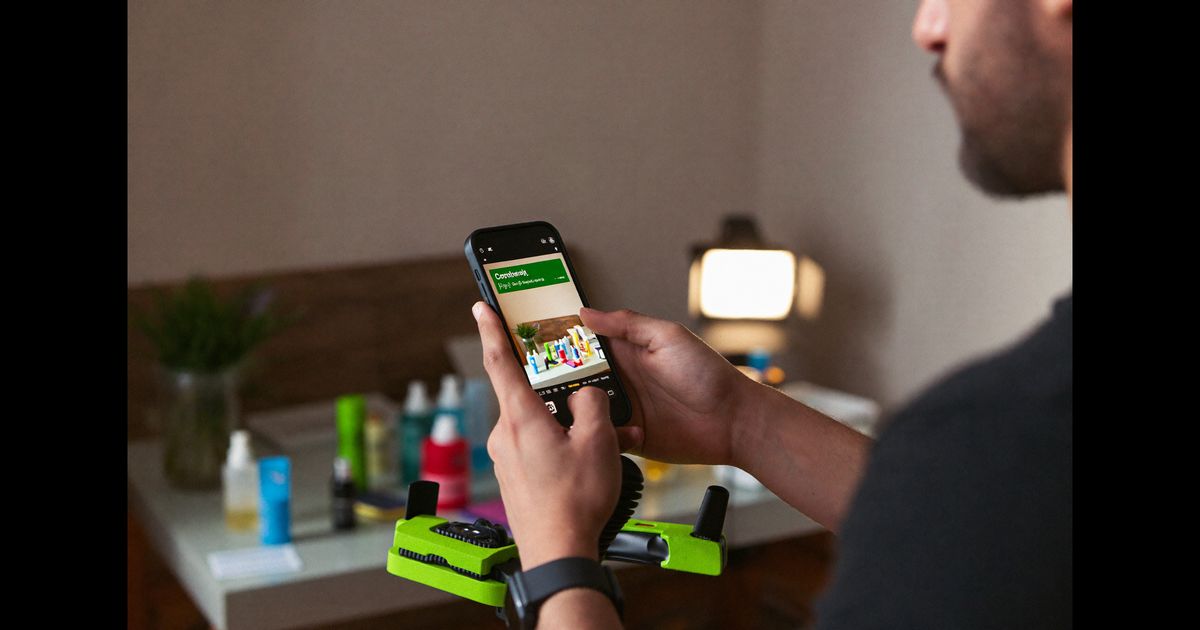
- Discovery + feature slides (Slides 4–6): Screen-recorded or photographed app walkthroughs, with the creator's hand or face in frame to anchor the UGC feel. We specifically brief creators to keep their phone visible when showing a mobile SaaS UI, it prevents the frame from looking like a corporate explainer video.
- Outcome slide (final slide): A concrete result, stated plainly. Not "my life changed", something like "cleared invoice backlog in 40 minutes, got paid three days early." ASCI guidelines require that outcome claims tied to the product be substantiated, so we align this slide's copy with whatever the brand has cleared legally before the shoot.
The Shooting Setup: What Actually Works on a Creator's Phone
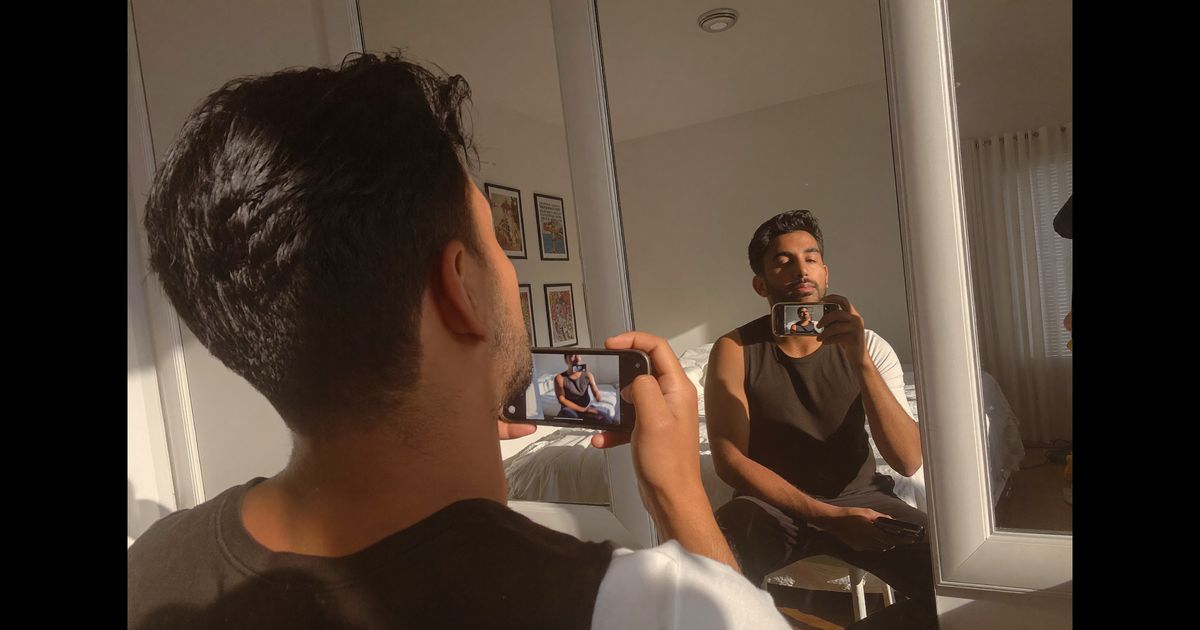
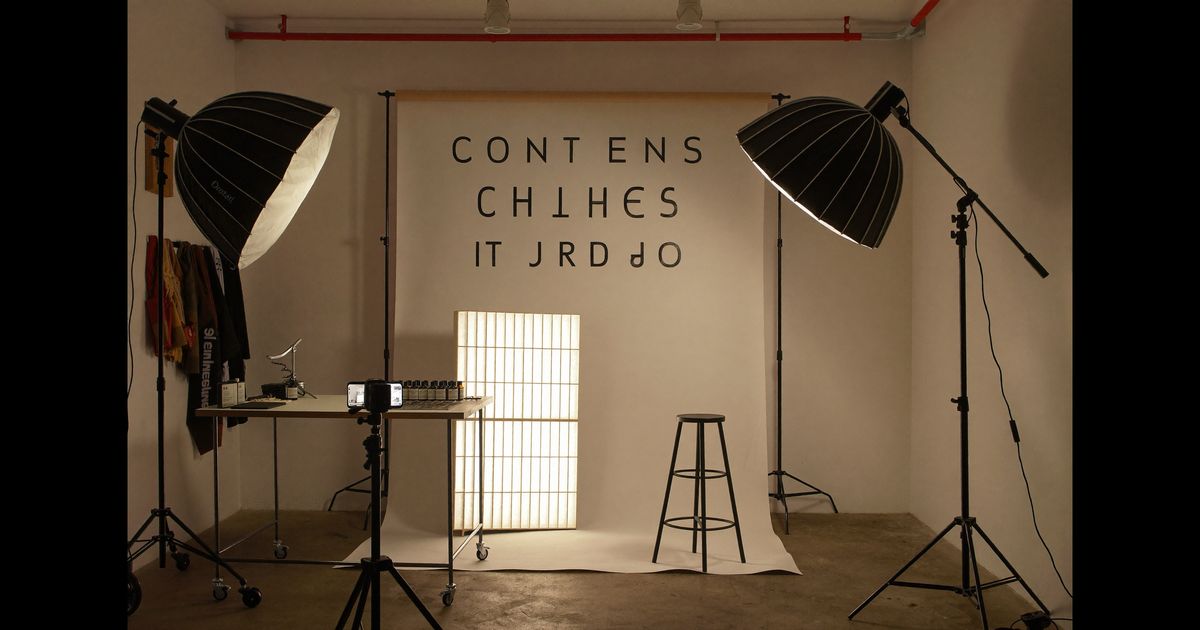
Most of our SaaS carousel shoots happen on Android or iOS phones with natural light. We've found that SaaS carousels, unlike product videos, are hurt more by over-production than by imperfect lighting. Viewers scrolling LinkedIn or Instagram at 10 PM in a Mumbai apartment are calibrated to distrust anything that looks like an ad, which means a creator shooting at their real workspace, with their actual laptop, converts better than the same creator in a rented studio.
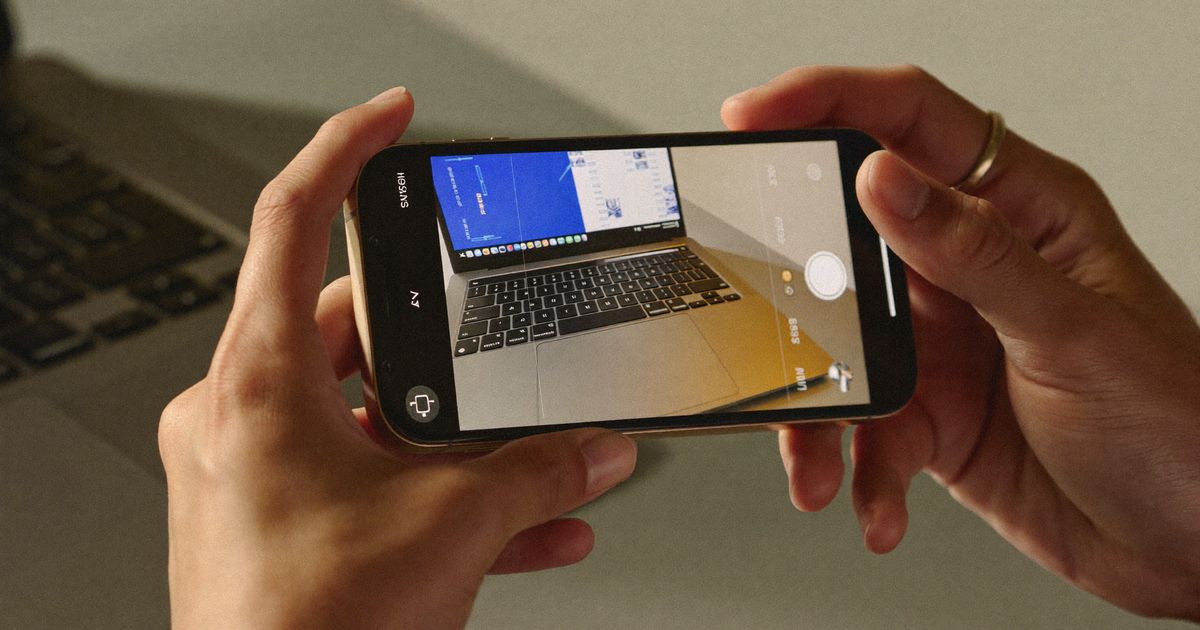
For the screen-capture slides, we use a combination of phone screen recordings (captured in portrait for Instagram, landscape for LinkedIn document carousels) and still screenshots with an annotation layer. Tools like Canva (widely used by Indian creators at the Rs.4,000/year Pro tier) or even the native iOS/Android markup tools work fine, the goal is legibility, not polish.
Specific technical brief we send to creators:
- Shoot in 1:1 (square) or 4:5 for Instagram carousels; 1:1.41 (A4 ratio) for LinkedIn document carousels, which allows the "swipe for more" prompt to appear correctly on desktop.
- Keep text overlays above 18pt equivalent, many viewers see carousels in notification previews before tapping in.
- Include at least one slide where the creator's face or hands are visible. Pure screenshot carousels test poorly for recall versus ones where there's a human anchor.
- Avoid dark-mode screenshots unless the product's UI is exclusively dark, dark UI on a dark phone frame disappears at thumbnail scale.
Language and Localisation: Going Beyond English
One persistent mistake we see SaaS brands make with their own content is treating India as a single English-speaking audience. Our creator network spans Hindi, Bengali, Tamil, Kannada, and Marathi-speaking creators, and for SaaS tools targeting SMB owners or tier-2 city professionals, a carousel narrated in Hindi or Tamil, even with English UI screenshots, outperforms an all-English carousel in click-through.
The structure for a bilingual carousel brief: English text overlays on feature slides (because the app itself is in English), but the creator's voice-over slide copy and caption written in the regional language. A creator in Coimbatore briefed to talk about an inventory management SaaS will write slide copy in Tamil that resonates with the kirana store owner persona, "உங்கள் stock automatically track ஆகும்" lands differently than "Your stock gets automatically tracked."
Under ASCI's influencer disclosure guidelines, the creator must add #Ad or #Sponsored in the caption regardless of language, placed prominently, not buried in a string of hashtags. We include this in every brief and review the published post before signing off on creator payment.
Production Workflow: From Brand Brief to Published Carousel
Here's the actual timeline we run on a typical SaaS carousel campaign:
- Day 1–2: Brand call to extract three specific use-cases the creator can genuinely demonstrate (not marketing claims, real features). We push back hard on vague asks like "show how powerful the dashboard is" and replace them with "show how you set up a recurring invoice in under two minutes."
- Day 3: Creator briefing document sent, four-layer structure, platform specs, language guidance, ASCI disclosure language, and a reference carousel for tone (usually a competitor's organic post that performed well, not an ad).
- Day 5–6: Creator submits draft slides as a PDF or shared Canva link for review. We check: Is the hook strong enough to earn Slide 2? Is the outcome claim ASCI-safe? Is the creator's face in at least one slide?
- Day 7–8: One revision round if needed, then delivery to brand for final sign-off and scheduling.
The total creator fee for a single SaaS carousel from a mid-tier Instagram or LinkedIn creator (50K–200K followers, India-based) typically ranges from Rs.8,000 to Rs.25,000 depending on platform, creator tier, and usage rights. LinkedIn document carousel creators with a strong founder/professional audience command a premium, expect Rs.15,000–Rs.40,000 for a well-followed B2B creator in the Bengaluru–Mumbai–Delhi corridor.
The Metrics That Tell You a Carousel Actually Worked
Reach and impressions tell you almost nothing about whether a SaaS carousel moved anyone. The metrics we report to clients:
- Slide completion rate: What percentage of viewers reached the final slide? Below 30% usually means the hook didn't earn the next swipe. Above 50% is strong for SaaS content.
- Save rate: For SaaS content, saves are the proxy for purchase intent. Someone who saves a "how to automate your GST returns" carousel is bookmarking it to try later, not just entertained by it.
- DM/comment-to-link ratio: When the call-to-action is a link-in-bio or a "comment X for the free trial link" mechanic, the response rate relative to impressions shows whether the content actually created desire. On Instagram, a SaaS carousel that generates 1–2% comment-or-DM rate on a cold audience is performing.
- LinkedIn document downloads: LinkedIn's native document format shows download counts, a B2B SaaS carousel that gets downloaded indicates the viewer wanted to keep the content, which correlates strongly with qualified interest.
The single best signal we've seen on SaaS carousel UGC is when the comments section fills with "which tool is this?", not "great content!" That question means the creator showed the product doing something real, and the viewer wants it.
Common Mistakes to Brief Against
After reviewing hundreds of SaaS carousel drafts, these are the failure modes we see most often:
- Leading with the brand name: The first slide should earn attention with a pain point, not announce the product. "Tired of chasing invoices?" outperforms "Introducing [Brand]" every time on cold audiences.
- Screenshot-only carousels: A deck of UI screenshots with no human presence reads as a product tour, not a creator recommendation. The UGC format lives or dies on the "person like me" signal, don't strip it out.
- Overclaiming outcomes: Indian consumers are increasingly sceptical of SaaS promises. A claim like "saved 10 hours a week" without any context feels inflated. A claim like "cut my Monday morning catch-up from 90 minutes to 20 minutes" is specific, believable, and ASCI-safe because the creator can substantiate it from their own use.
- Ignoring the caption: The carousel slides get the swipes; the caption gets the clicks. We brief creators to write captions that restate the outcome in plain language and place the CTA in the first line, because Instagram collapses captions at two lines on mobile, and most viewers never tap "more."
If you're running SaaS marketing campaigns and want a structured approach to creator-led carousel content, from creator selection to final delivery, our team at The UGC Agency builds full carousel UGC campaigns for SaaS and B2B brands. See how we work at /work or reach out via /consultation to talk through what a campaign looks like for your product.