YouTube Live is one of the few content formats where a creator can hand a brand something genuinely rare: unscripted, real-time audience engagement that no post-production team can replicate. But most Indian creators who go live treat it as a casual hangout, and then wonder why brands won't pay to license the footage. The gap between a live stream that brands actively seek out and one they scroll past comes down to a handful of deliberate production choices, made before you hit the Go Live button.
This guide walks through exactly how to structure, shoot, and archive a YouTube Live stream so it produces footage that D2C and FMCG brands in India can drop straight into ad campaigns, testimonial reels, and social proof libraries, with minimal legal friction and maximum visual usability.
Understand What Brands Actually Want to License
Before talking gear or format, it helps to think like a media buyer. When a brand like Mamaearth, mCaffeine, or a mid-scale D2C fashion label from Bengaluru approaches us about licensing live-stream clips, they are almost never hunting for dramatic moments. They want:
- Authentic product reactions, genuine first-use, unboxing, or try-on moments where the creator's face and voice are clearly captured.
- Clean audience engagement signals, on-screen comments reading "I use this daily" or "just ordered" are social proof gold when burned into a testimonial ad.
- Clips that clear ASCI guidelines, India's Advertising Standards Council of India rules require that any endorsement used in advertising must reflect the genuine opinion of the person. A live-stream reaction, timestamped and unedited, is strong evidence of that genuineness. Brand legal teams know this.
- Footage without competing logos, a bottle of a rival brand sitting on your desk will kill a deal instantly.
The licensing fee a brand will pay varies widely. Micro-creators (50K–300K subscribers) in India typically negotiate between Rs. 8,000 and Rs. 30,000 for a clip license, while mid-tier creators (300K–1M) can command Rs. 40,000–Rs. 1.5 lakh for a perpetual digital license. Knowing this anchors how much production effort makes financial sense.
Pre-Stream Setup: The Decisions That Protect Licensability
The biggest mistakes happen in the 30 minutes before going live. Here is the checklist we walk creators through before any brand-adjacent stream:
- Background audit: Remove any brand logos, posters, or products you have not cleared. A plain white or textured wall, or a clean shelf with neutral books, is safer than a cluttered creator-cave full of product hauls.
- Disclosure placement: Under ASCI guidelines (updated 2021, clarified in 2023 for live content), material connections, paid seeding, gifted products, affiliate arrangements, must be disclosed clearly. Add a static on-screen label or a verbal callout within the first 60 seconds. Something like "Brand X sent me this to try on stream today" is sufficient and protects both you and the brand if the clip is repurposed in an ad.
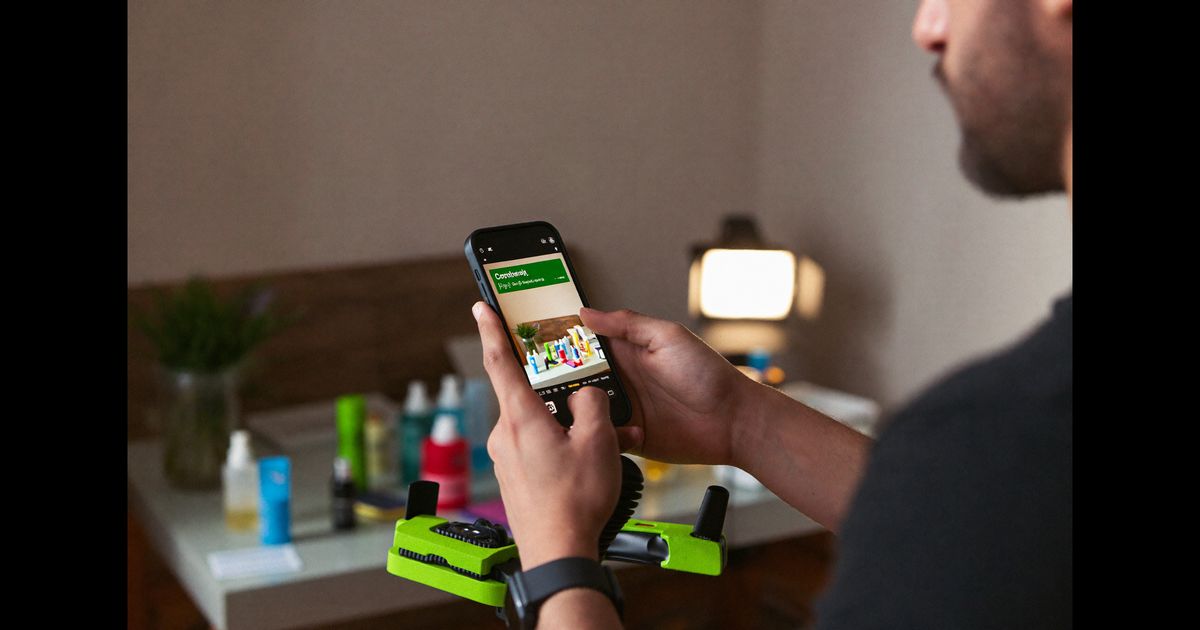
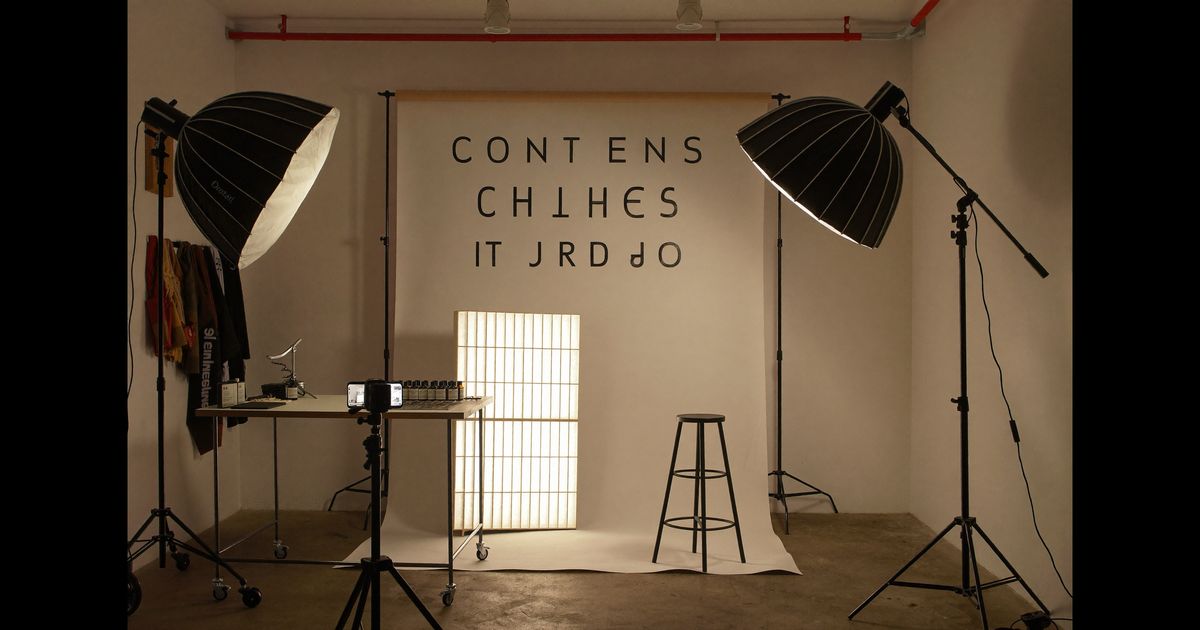
- Camera and mic check for licensable quality: Brands will not license footage shot at 480p or with muddy audio. A basic setup that works in Indian ambient lighting: a Sony ZV-1 or Canon M50 Mark II as webcam (both under Rs. 45,000), a lavalier mic like the Boya BY-M1 (Rs. 1,100) clipped close, and a single softbox pointed at your face. This is enough to produce 1080p footage brands can use without visual upscaling.
- Enable stream archiving: In YouTube Studio, confirm "automatically make archive public" is on. Brands need a permanent, timestamped source to attach to their licensing paperwork. A deleted VOD is a dead deal.
- Segment your stream title: Titles like "Trying 5 Skincare Products, Review + Honest Opinions [LIVE]" tell YouTube's algorithm what the video is about, which means better search ranking for the VOD and a cleaner brand safety signal for advertisers who use automated content classification.
Structuring the Live Stream for Clippable Moments
A licensable live stream is not a three-hour free-for-all. It is a structured session with distinct, self-contained segments, because brands almost always want a 15-to-45-second clip, not the full stream. Build your stream around what we call "chapter blocks":
- 0:00–5:00, Warm-up and context: Greet viewers, briefly explain what you are testing. No product is on camera yet. This segment almost never gets licensed.
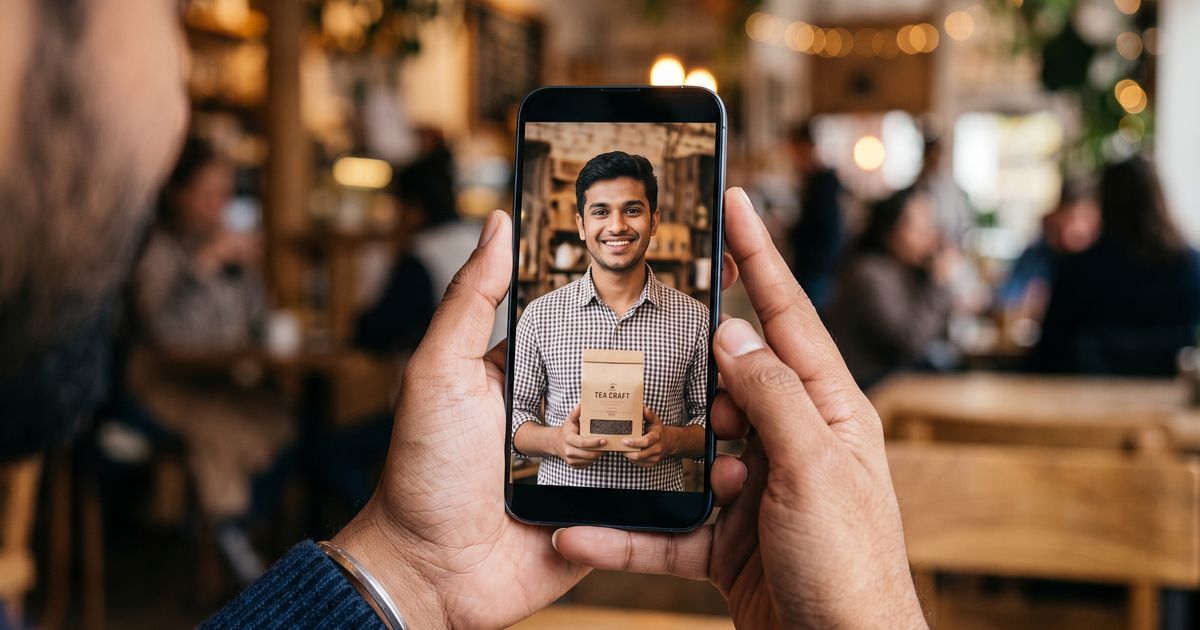
- 5:00–20:00, First-use segment: Introduce one product, open it on camera, and give a real-time reaction. Keep the product centred in frame. This is the segment brands will clip. Speak in Hindi, Tamil, Bengali, or the language your audience watches in, regional-language testimonials are increasingly preferred because brands run vernacular ad campaigns targeting tier-2 and tier-cities across India.
- 20:00–35:00, Audience Q&A segment: Read out and answer real questions about the product. Brands that run comment-style ads love this segment.
- 35:00+, Wrap and second product (if applicable): Repeat the first-use structure for any additional brands.
Between each chapter block, say something like "okay, moving on to the next one" clearly on camera. This creates a clean cut point in the VOD that an editor, or a brand's in-house team, can find without scrubbing through hours of footage.
On-Screen Elements That Make Footage More Valuable
Brands increasingly ask for clips with on-screen social proof baked in. YouTube Live gives you two powerful tools for this that pre-recorded video cannot replicate:
- Live chat overlay: Use OBS Studio (free) or Streamlabs to display a live chat ticker in the corner of your stream. When 40 viewers are commenting "this looks amazing" in real time, a brand can capture a screenshot or request the raw footage and repurpose it as a testimonial montage. Configure the chat overlay to show only top chat, Super Chat messages and high-engagement comments, to keep it visually clean.
- Lower-third titles: Add a lower-third graphic with your channel name and the product name during the review segment. This helps brands identify the clip source quickly and adds a "broadcast" aesthetic that elevates the perceived production value. OBS has built-in lower-third tools; a simple white-on-dark template costs nothing.
- Pinned comment with product link: During the product segment, pin a comment with the brand's product link (affiliate or direct). This creates a trackable engagement signal, click-through rate on that pinned comment is data a brand can request from you to support a licensing negotiation.
Archiving and Preparing Clips for Brand Outreach
The stream ends, but the licensable asset work begins now. Within 24 hours of going live:
- Add YouTube chapters to the VOD: Go into the video description and add timestamps matching your chapter blocks. YouTube will render these as interactive chapter markers. Brands searching your VOD can jump straight to the product segment rather than scrubbing manually, this alone increases licensing inquiry conversion because you have made the asset easy to evaluate.
- Export a highlight reel: Use CapCut (free, works well on any mid-range Android or iOS device) to cut a 60–90 second "brand highlight" clip from each product segment. Export at 1080p, 30fps, with no added music (music licensing complicates downstream ad use). Save to Google Drive and generate a shareable link.
- Build a one-page media kit: Include your channel link, subscriber count, average live viewership (pull from YouTube Analytics → Live tab), the highlight reel link, and your licensing rate card. Keep it as a single PDF. This is what you send when you do cold outreach to brand managers on LinkedIn or email, or when agencies like The UGC Agency are scouting creators for a live-stream licensing brief.
- Register the content timestamp: For high-value streams, download the YouTube-generated stream certificate (under YouTube Studio → Content → Live) and keep it. This provides a third-party timestamped record of when the footage was created and streamed, which matters if a brand ever audits whether the endorsement preceded the paid relationship.
Licensing Language: What Creators Must Know Before Signing
When a brand approaches you with a licensing request, you will typically receive either a simple licensing email or a short agreement PDF. A few terms to watch:
- Scope of use: "Digital advertising" can mean Meta ads, YouTube pre-rolls, Google Display, OTT platforms, or all of the above. Specify the platforms you are authorising. Each additional platform can justify a higher fee.
- Duration: "Perpetual" means forever. "12-month" means they must renew and renegotiate. Most Indian D2C brands ask for 12–24 months. Push back on perpetual unless the fee reflects it.
- Exclusivity: If a brand wants you to not appear in competitor ads for the license period, that is an exclusivity clause. In India, this is common in the beauty and personal care category. Exclusivity should cost at least 2x the base clip rate.
- Moral rights waiver: Some agreements ask you to waive moral rights, meaning the brand can edit, dub, or overlay your footage. Only sign this if you trust the brand's creative direction, you cannot object later to how the clip is used.
We brief creators to never sign a licensing agreement without a clear "usage scope" clause. Vague language like "all media" has resulted in creators finding their live-stream reactions on TV commercials they had no idea about and were not compensated for.
Pitching Your Live-Stream Content to Brands Proactively
Most licensing deals do not come inbound, you have to go after them. The most efficient channels for Indian creators:
- LinkedIn cold outreach to brand managers: Search for "Brand Manager" + "[category]" + "India" on LinkedIn. A short message referencing a specific product, linking to your highlight reel, and quoting a rate tends to get replies within a week. Be direct, brand managers at D2C companies in Mumbai, Delhi NCR, and Bengaluru are perpetually short on authentic creative assets.
- UGC agency submissions: Agencies maintain active creator rosters and regularly place live-stream footage into ad campaigns. Submitting your media kit means you get briefed when a relevant campaign comes up, rather than pitching cold each time.
- YouTube brand connect (India): YouTube's own creator-brand marketplace has expanded its India operations and now supports live-stream content deals. If your channel is monetisation-eligible, list live-stream licensing as a collaboration type in your Brand Connect profile.
Building a consistent library of well-archived, disclosure-compliant live streams compounds over time. Brands frequently license older footage, a stream from eight months ago reviewing a moisturiser can land a deal today if the footage is clean, timestamped, and easy to find. If you want to start getting briefed on live-stream campaigns that match your niche, take a look at how we work with creators at The UGC Agency.