LinkedIn in India is not just a job board anymore. Between 2022 and 2025, the platform quietly became one of the most reliable channels for B2B software companies, edtech platforms, and D2C brands to reach decision-makers, early adopters, and mid-funnel buyers, and tutorial-style videos are the content type that keeps performing long after posting. Unlike Instagram Reels, which are consumed and forgotten in 48 hours, a well-structured LinkedIn tutorial stays discoverable via search, gets reshared in DMs, and often shows up in email newsletters by industry peers. That longevity is precisely why brands want to license them.
But what does a licensable LinkedIn tutorial actually look like, and how do you make one from scratch with no prior experience? This guide walks you through exactly that, from the format choices that work on LinkedIn's feed to the practical rights language that makes your content usable for brands.
Why LinkedIn Tutorials Are Different From Other UGC
On Instagram or YouTube Shorts, the hook is entertainment, you earn attention through energy, trend sounds, or visual surprise. LinkedIn's algorithm rewards demonstrated expertise. The viewer is often a marketing manager in Bengaluru, a founder in Pune, or an HR head in Mumbai who has 20 minutes between meetings. They click because they believe you'll teach them something.
This means the bar for a licensable LinkedIn tutorial is: does it make the viewer smarter about the brand's category within 90 seconds? A SaaS brand selling expense-management software doesn't want you to unbox their product. They want a video where a credible person walks through, say, three ways to reduce reimbursement friction for a 50-person team, and then naturally demonstrates their tool as part of the solution.
The tutorial format also sidesteps a compliance headache. ASCI's guidelines require that promotional content be clearly disclosed as advertising, but educational content that organically demonstrates a product (with disclosure) is easier to produce authentically, and brands face less pushback from audiences. Disclosure is still mandatory, a brief "in partnership with [Brand]" or "#ad" in the first three lines of the post text is the standard in India, but the educational framing gives the content genuine standalone value.
Choosing a Tutorial Topic That Brands Will Actually Pay For
Before you script anything, you need a topic that a brand can use commercially. The test is simple: does the tutorial answer a question their target customer searches for, and does it make sense for their product to appear in the answer?
Here's how to identify good topics:
- Browse LinkedIn search in your niche and look for questions in comments on popular posts. If someone in a fintech thread is asking "how do I automate GST reconciliation in Tally," that's a topic a fintech SaaS brand would pay to be featured in.
- Look at brand job descriptions on LinkedIn itself. If a company is hiring for a specific role, they're often targeting people in that role as customers. A tutorial that helps that role do their job better is directly valuable to the brand.
- Stick to evergreen problems, topics that don't expire with a news cycle. "How to build a 90-day onboarding plan for remote employees" will be relevant in 2027. "How to react to [current meme]" won't.
In our production work at The UGC Agency, the brief we give LinkedIn tutorial creators always includes a "why would someone watch this at 8pm on a Tuesday" check. If the topic only makes sense during a hype moment, we cut it.
The Format That Works: Screen + Face, Structured in Three Acts
LinkedIn's native video player auto-plays in the feed without sound, so the first five seconds need to communicate the topic visually. The format that consistently performs for tutorial content is a split approach: talking-head segments for context and screen recording or demo segments for the actual tutorial steps.
Here's the three-act structure that brands can repurpose most flexibly:
- Act 1, The Problem (0–15 seconds): State the pain point in plain language. "Most finance teams in India spend 4 hours a week manually matching invoices to purchase orders. Here's how to cut that to 20 minutes." No intro, no "hi guys," no channel plug.
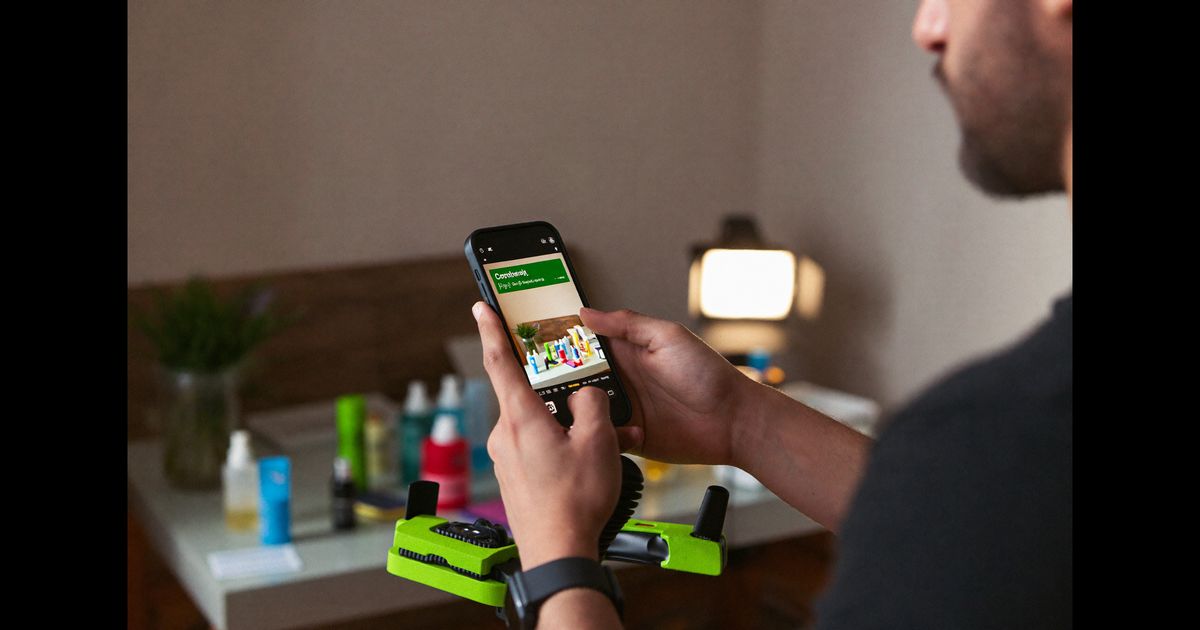
- Act 2, The Steps (15–75 seconds): Walk through 2–4 concrete steps. If you're demoing software, record your screen using tools like OBS or Loom at 1080p. Narrate each step in either Hindi or English depending on your target audience, mixed Hinglish is fine for most Indian professional audiences but pick one primary language and stick to it for coherence.
- Act 3, The Outcome + Natural CTA (75–90 seconds): Show the result. "Invoice matching now takes this long, this is what the approval notification looks like." The brand's product appears here organically, not as a sales pitch.
Keep total runtime under 90 seconds. LinkedIn's data shows that completion rate drops sharply after 90 seconds for tutorial content, and brands looking to license content for sponsored posts want high completion rates.
Technical Setup for Beginners: What You Actually Need
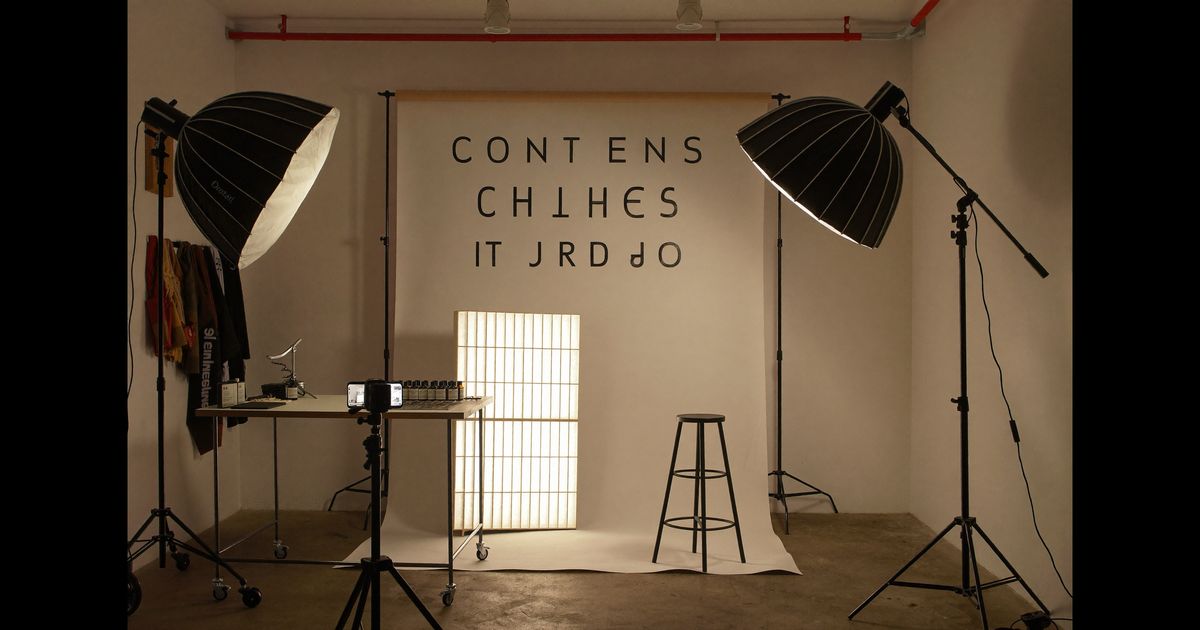
You do not need professional studio lighting or a DSLR to create licensable LinkedIn tutorials. The production standard for LinkedIn is closer to "clear and credible" than "cinematic." Here's a realistic setup at different budget levels:
- Under Rs. 5,000: Any smartphone from the last three years (even a Redmi Note 12 or Samsung Galaxy M-series) shot in a well-lit room. Natural light from a window behind or beside your camera. A Rs. 500–800 clip-on lapel microphone from Amazon India makes audio crisp enough for LinkedIn. Record in landscape mode (16:9) for desktop viewing.
- Rs. 5,000–20,000: Add a ring light (Digitek or Godox from Flipkart, roughly Rs. 1,500–3,000) and a desktop mic like the BM-800 with an audio interface. For screen recordings, download OBS Studio (free), it handles simultaneous screen and camera capture without quality loss.
- Rs. 20,000+: At this level you're looking at a Sony ZV-1 or Insta360 Link webcam, a proper condenser mic, and basic backdrop paper or a clean branded desk setup. This is where agencies start taking your work more seriously for licensing at higher rates.
Edit in CapCut for mobile (free, handles captions automatically) or DaVinci Resolve for desktop (free, professional-grade). Add burned-in captions, LinkedIn auto-plays without sound, and captions keep viewers engaged through the entire tutorial.
Licensing Basics: What Brands Are Buying and What to Include
When a brand licenses your LinkedIn tutorial, they are purchasing the right to use your video as a sponsored post, run it as a LinkedIn ad campaign, or embed it on their website or in their sales decks. Understanding what they're buying helps you structure your content, and your contracts, correctly.
A few things to know before you approach brands:
- Duration matters: Standard licensing in India runs for 6 or 12 months. A 6-month license for a LinkedIn tutorial from a creator with 2,000–10,000 followers typically ranges from Rs. 8,000 to Rs. 25,000 depending on niche. SaaS and fintech brands pay at the higher end because their CAC justifies it.
- Usage scope matters: "LinkedIn only" is cheaper than "all digital platforms." If a brand wants to run your video as a LinkedIn Lead Gen ad, that's a separate usage right from organic reposting, price it accordingly.
- Keep raw files: Brands often want to re-edit, add their logo end-card, or swap the CTA. Deliver your raw .mp4, any screen recording separately, and the caption/script document. This makes re-editing easy and signals professionalism.
- ASCI and platform disclosure: Any licensed tutorial used as a paid promotion must include clear disclosure under ASCI guidelines. This is the brand's legal responsibility to enforce in their post copy, but including a disclosure in your raw video ("this video was made in partnership with [Brand]") protects you as well.
A practical rule: if the brand's legal team asks you to remove your disclosure card before they use the content, that's a red flag. Credible Indian brands, especially funded startups and listed companies, will not ask you to hide a commercial relationship.
Pitching Your Tutorials to Brands: A Practical Approach
Cold outreach works on LinkedIn better than on any other platform because the context is already professional. Here's a process that has worked for creators we brief at the agency:
- Build two or three spec tutorials first. Pick tools or products you genuinely use, a project management app, an accounting tool, a logistics SaaS, and create unpaid tutorials in your niche. These are your portfolio samples. Post them on LinkedIn and let them accumulate views before you pitch.
- Identify the right contact. Look for "Content Marketing Manager," "Growth Marketing," or "Brand Partnerships" at the company on LinkedIn. For startups under Series B, the founder or co-founder sometimes handles this directly.
- Lead with performance data. "I posted a tutorial about [Category] and it got 3,400 impressions and 180 saves in 10 days from a cold audience" is a stronger pitch than any follower count. LinkedIn's own analytics are easy to screenshot and share.
- Offer a one-video pilot. Ask for a single licensed tutorial, Rs. 10,000–15,000 for a beginner with solid niche credibility is a fair anchor for a first deal. If the brand sees conversions, renewals follow naturally.
Cities like Bengaluru, Hyderabad, and Mumbai have the densest concentration of SaaS and D2C brands actively running LinkedIn content programs, but remote briefs are standard, your location is irrelevant as long as your content quality holds.
Common Beginner Mistakes and How to Avoid Them
Before you publish your first tutorial, here are the traps that consistently produce unlicensable content:
- Starting with your name or bio. Brands don't license intros. Start the video on the problem, not on yourself.
- Using copyrighted background music. LinkedIn's Content Solutions team will flag licensed audio if a brand tries to run your video as a paid ad. Use royalty-free audio from Pixabay Music or record with no background music at all.
- Poor audio over good visuals. Indian audiences on LinkedIn are more forgiving of average video quality than they are of muffled or echoing audio. If you're choosing where to spend Rs. 2,000, spend it on a microphone.
- Making the product the hero too early. Tutorial content that opens with the brand's name or logo is perceived as an ad instantly and skipped. The product should emerge from the tutorial's logic, not precede it.
If you are ready to start creating LinkedIn tutorials professionally, or if you are a brand looking for creators who understand this format, book a consultation with our team. We brief, match, and manage the entire production process so both sides get what they need from day one.