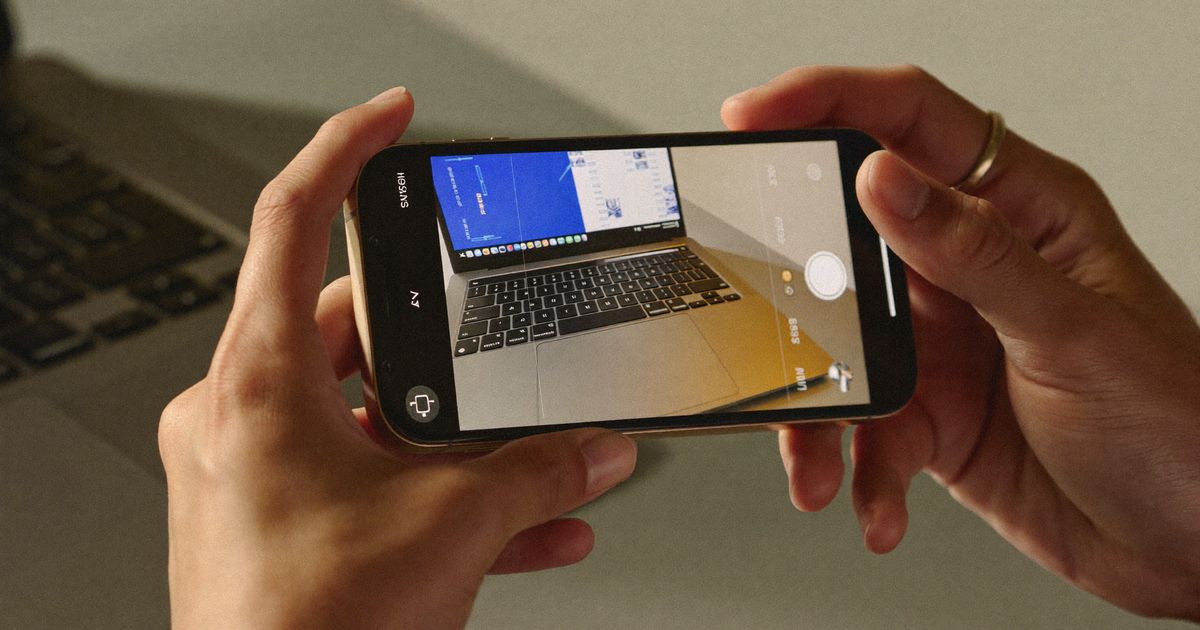
Advertising a mobile app is a different creative challenge from advertising a physical product. The buyer cannot hold the app before downloading it, and the download itself is only the beginning — activation, the moment when a user completes onboarding and performs a meaningful action, is where most app marketing campaigns leak the most value. UGC for mobile apps needs to bridge both gaps: convincing someone to download and giving them enough context to actually use the app when they do. Here are twelve tips from campaigns that have done this well.
1. Show the App in Use, Not Just the Interface
Screenshots of app interfaces are informative but rarely persuasive. A creator using the app in the context it was designed for — a fitness app during a morning workout, a budgeting app while paying bills, a learning app during a commute — shows prospective users what the experience actually feels like rather than what it looks like.
2. Lead With the Problem the App Solves
App UGC hooks that describe a specific problem before mentioning the app consistently outperform hooks that lead with the app name or a feature list. 'I used to spend an hour a week tracking my spending across three accounts' creates immediate identification for the target audience of a budgeting app before the solution is presented.
3. Address the Download Barrier Explicitly
Many potential app users have downloaded apps that they found too complicated, too slow, or too intrusive with permissions requests, and abandoned them. A creator who acknowledges this and describes how the onboarding worked specifically — 'it took me under three minutes to set up and I did not need to enter my bank details to start' — addresses a real objection directly.
4. Show the First-Session Experience
Anxiety about what happens immediately after downloading is one of the most common barriers to app downloads. UGC that walks through exactly what a new user sees in their first session — the onboarding screens, the initial setup, the first meaningful action — makes the unknown known and reduces the perceived risk of downloading.
5. Use Short Versions for Prospecting, Longer for Retargeting
For cold audiences, a 20 to 30-second UGC video with a sharp hook and a clear download CTA works well. For audiences who have already visited the app store page or engaged with previous content, a 60 to 90-second walkthrough that addresses specific features or use cases can close the remaining hesitation. Do not use the same length for both contexts.
6. Feature Creators at Different Experience Levels
A first-week user speaks to different questions than a six-month user. The new user answers 'is this easy to get started with?'. The long-term user answers 'does this actually deliver value over time?'. Both are valuable UGC angles and speak to different segments of your prospecting audience.
7. Avoid Screen-Recording-Only Content
Pure screen recordings of app interfaces perform poorly in social feeds because they look like promotional materials rather than user experience. The most effective app UGC combines screen recording with a talking-head creator who provides real-person context and emotional response — making the interface footage feel observed rather than presented.
8. Brief for Specific Use Cases, Not General Impressions
A brief that asks creators to 'show what you love about the app' produces vague, undifferentiated content. A brief that asks creators to 'show exactly how you used the app to solve a specific problem this week' produces content with the specificity that converts.
9. Capture Content for Both iOS and Android Audiences
If your app has distinct experiences on iOS and Android — which many do — ensure your UGC covers both. An Android user watching iOS screen recordings experiences a subtle disconnect that can reduce ad performance, particularly in price-sensitive Indian markets where Android dominates.
10. Include a Clear, Specific CTA
App UGC that ends with 'check it out' converts worse than content that ends with 'you can download it for free on the App Store — link in the bio' or 'there is a 7-day free trial, no credit card needed.' Specificity in the CTA removes the decision burden from the viewer.
11. Track Activation Rate, Not Just Installs
If a particular UGC creative drives installs from users who never activate, the creative is attracting the wrong audience or setting misleading expectations. Track activation rate by creative source and use that data to refine briefs — creative that drives activated users is worth far more than creative that drives passive installs.
12. Refresh Creatives More Frequently Than You Think Necessary
App users are also heavy social media users and see ad frequency accumulate fast. App UGC typically fatigues faster than product UGC because the target audience — daily app users — sees social content at high volume. Plan for creative refresh every two to three weeks on actively scaled assets.
Takeaway
Mobile app UGC is a high-stakes creative challenge because the conversion sequence — impression to download to activation — has multiple steps where intent can be lost. The twelve tips above address each of those steps with specific, practical guidance drawn from campaigns that have navigated them successfully.
If you are ready to build a UGC programme for your mobile app, book a strategy call and we will help you design the right approach for your growth stage.